New Printer vs Used Printer: Secondhand Inkjet or Laser?

Buy a used laser if it powers on, prints clean pages, and you can verify toner prices. Avoid most used inkjets unless they include a proven printhead and cheap cartridges. A low sticker price can turn into repair bills, dried heads, or overpriced ink. This guide compares failure risk, supply costs, and the models worth buying secondhand.
| Decision factor | New printer | used printer | Winner |
|---|---|---|---|
| Upfront price | Higher sticker price, but no hidden wear from a previous owner. | Lower sticker price, but may need fresh supplies or repairs right away. | used printer |
| Running cost | Depends on model, but new units let you start with a known supply setup. | Can be cheap or expensive, depending on ink age, toner condition, and cartridge yield. | New printer |
| Failure risk | Lower risk at the start, with full-life parts and warranty coverage. | Higher risk from worn rollers, old fusers, clogged heads, and unknown page history. | New printer |
| Text printing | Good for any current model, especially laser. | Excellent if the laser is clean and the page count is reasonable. | tie |
| Photo and color output | Inkjet still wins for color graphics and photos. | Used inkjets can be a good fit only if the printhead and cartridges are in good shape. | New printer |
| Warranty and support | Usually available. | Often absent unless the unit is refurbished. | New printer |
Should I buy a used printer or a new printer to save money?
The cheaper sticker price often belongs to a used printer, but lower total cost usually goes to the option with better supply pricing and lower repair risk. A used laser can beat a new printer on total cost if the page count is modest and toner prices are sane. A used inkjet is far riskier unless it is refurbished and confirmed healthy.
Purchase price versus supplies
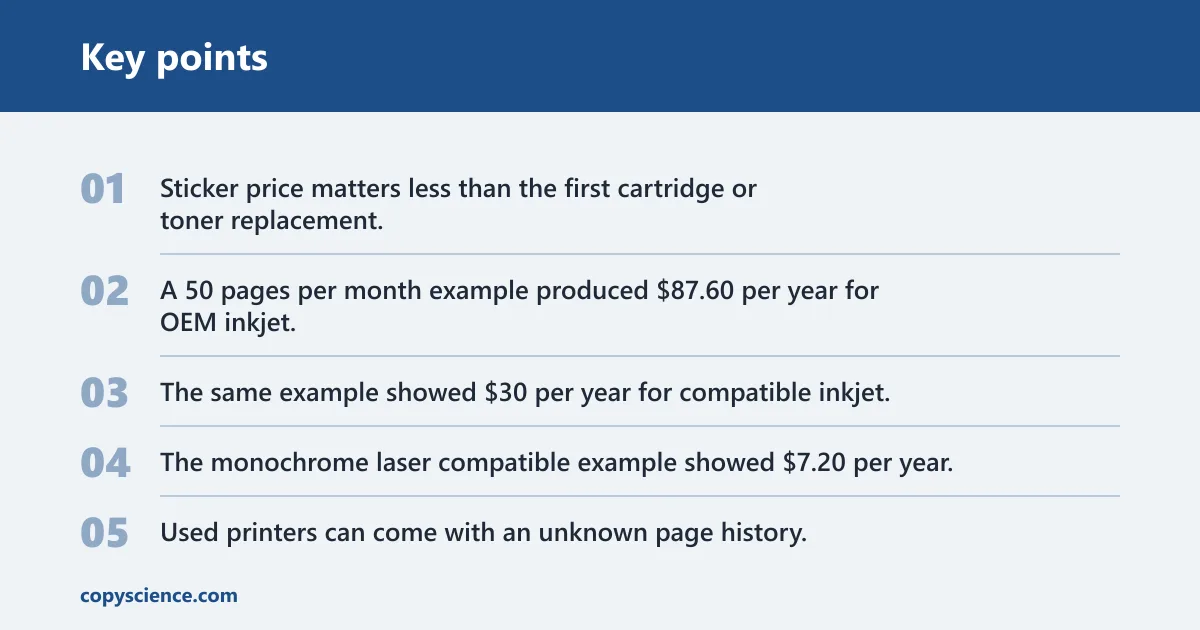
Sticker price matters less than the first cartridge or toner replacement. A low-price used machine can erase its savings if it arrives with dried ink, worn rollers, or a missing tray that forces a parts hunt.
Refurbished units sit between the two. They are typically tested, cleaned, repaired if needed, and sold with a warranty, so you pay less than new without taking full as-is risk.
Side-by-side cost comparison by monthly page volume
Cost per page is the core number. For low volumes, the cheapest printer to buy is not always the cheapest to own, because supplies and maintenance can dominate the bill.
A 50 pages per month example produced $87.60 per year for OEM inkjet. The same example showed $30 per year for compatible inkjet. The monochrome laser compatible example showed $7.20 per year. That gap is why print volume matters so much.
| Volume pattern | Best fit | Why |
|---|---|---|
| Low volume, about one page per week or a bit more | used printer, usually laser | Toner does not dry out, so idle time is less punishing. |
| Medium volume, a few dozen pages per month | New printer or refurbished laser | You want predictable supply cost and lower repair exposure. |
| High volume, frequent batches of text pages | New printer, or refurbished high-yield laser if verified | Upfront savings matter less than page yield and wear. |
Why used changes the risk profile
Used printers can come with an unknown page history. That matters because rollers wear, printheads clog, and fusers age under heat. If the seller cannot show testing, the bargain may be hiding a repair bill.
As-is means you take the machine exactly as it stands. Refurbished means a shop has already done some of the detective work for you, which is why the extra cost can make sense.
Used printer buying checklist
Before you buy secondhand, verify the machine condition, not the ad copy. Check the ink or toner state, page count, roller condition, and whether any warranty remains. A clean test page matters more than a polished exterior.
-
Check ink or toner age. For an inkjet, ask how long it sat unused and whether cartridges are original, partly used, or replaced. For a laser, confirm the toner is not near empty and ask about drum or maintenance kit status.
-
Inspect page history. A counter helps estimate wear, even if it is not perfect. Low page count is good only when the printer also passes a clean print test and the feed path looks intact.
-
Examine rollers and feed path. Look for glazing, cracks, shine, or paper dust buildup. Worn rollers cause misfeeds, double-feeds, and skewed pages, which can turn a cheap buy into a parts order.
-
Print a test page. Run text, graphics, and if possible a color page. Watch for banding, missing lines, streaks, repeated marks, or faded edges, because those defects point to head, drum, or fuser trouble.
-
Confirm warranty terms. A refurbished printer should include some coverage. If there is no warranty and the seller will not show a live printout, the price needs to be low enough to cover likely repair loss.
| Printer type | Inspection item | Pass/fail sign | Expected hidden cost |
|---|---|---|---|
| Inkjet | Inkjet clog risk | Pass: clean nozzle test and no missing lines. Fail: streaks, gaps, or repeated cleaning attempts. | Replacement cartridges, wasted ink from cleaning cycles, or a printhead issue. |
| Laser | Toner age | Pass: toner level is usable and output is even. Fail: faded pages, uneven density, or unknown cartridge age. | New toner, drum, or maintenance kit. |
| Any | Page-count estimate | Pass: low or moderate use with clean output. Fail: very high count plus visible wear. | Accelerated roller or fuser replacement. |
| Any | Roller wear | Pass: matte, flexible rollers. Fail: shiny, cracked, or slipping rollers. | Feed problems, jams, and parts replacement. |
| Any | Test-page quality | Pass: sharp text and even fills. Fail: banding, smearing, or missing color. | Head cleaning, toner, drum, or fuser repair. |
| Any | Warranty | Pass: written coverage from a refurbisher. Fail: sold strictly as-is. | Buyer absorbs any fault that appears after purchase. |
Is a secondhand inkjet a bad idea because of dried-out ink?
Often, yes. A secondhand inkjet is the riskiest used buy because liquid ink can dry in the nozzles, trigger cleaning cycles, and waste more ink before the first useful page prints. It can still make sense for photo work or color graphics if the printhead passes a strong test and cartridges are cheap.
When an inkjet still makes sense
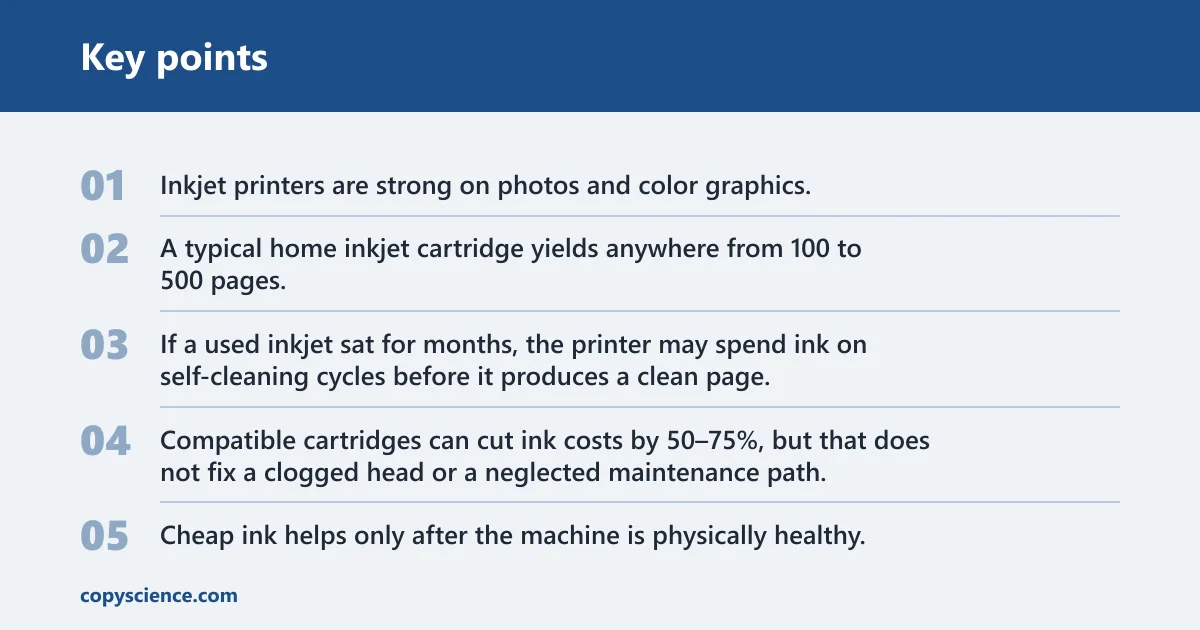
Inkjet printers are strong on photos and color graphics. They also carry a lower upfront price, which helps when the goal is occasional color output rather than heavy text printing.
A typical home inkjet cartridge yields anywhere from 100 to 500 pages. OEM black ink CPP typically runs between $0.05 and $0.20 per page, and color pages often cost $0.15 to $0.35 per page with OEM cartridges.
Where dried ink and cleaning cycles raise cost
Idle storage can be the trap. If a used inkjet sat for months, the printer may spend ink on self-cleaning cycles before it produces a clean page. That hidden waste can erase the initial discount fast.
Compatible cartridges can cut ink costs by 50–75%, but that does not fix a clogged head or a neglected maintenance path. Cheap ink helps only after the machine is physically healthy.
Say your student printer sits unused for six weeks, then starts leaving blank bands on a syllabus. The first problem is not paper cost; it is likely clogged nozzles and the extra ink needed to clear them.
Why photos and color graphics change the answer
For photo-heavy or color-heavy use, inkjet can still be the right tool. The issue is not image quality alone; it is whether the machine can stay ready without chewing through cartridges while idle.
Is a used laser printer safer to buy than a used inkjet?
Usually yes. A used laser printer is often safer because toner does not dry out, and a good monochrome unit can print text cheaply for a long time. The risk shifts from clogging to heat and wear: fuser aging, roller wear, and drum condition matter more than ink dry-out.
Why toner storage ages better
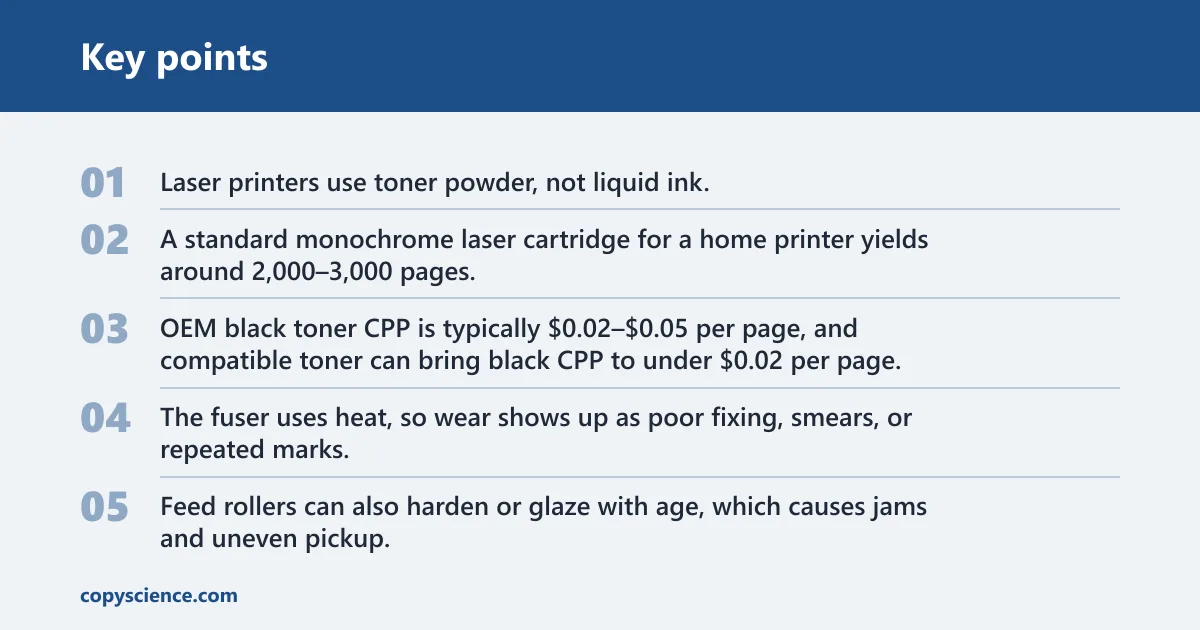
Laser printers use toner powder, not liquid ink. That means long idle periods are less dangerous, especially for irregular or low-frequency printing.
A standard monochrome laser cartridge for a home printer yields around 2,000–3,000 pages. OEM black toner CPP is typically $0.02–$0.05 per page, and compatible toner can bring black CPP to under $0.02 per page.
What fuser and roller wear can cost you
The fuser uses heat, so wear shows up as poor fixing, smears, or repeated marks. Feed rollers can also harden or glaze with age, which causes jams and uneven pickup.
That is why a used laser still needs inspection. Clean text output is good evidence, but it should be paired with a reasonable page count and no visible feed problems.
When mono laser beats color inkjet
For black text, a monochrome laser is usually the smarter buy, especially for home offices and students who print assignments, shipping labels, and forms. The annual cost example above shows why: the compatible monochrome laser path was far lower than the inkjet examples.
Suppose a home office prints 20 pages a month, almost all black text. A clean used laser can be a better buy than a cheap used inkjet, even if the laser costs more at checkout.
Choose New printer if… / Choose used printer if…
New printer wins when you want the lowest risk and a clean start. used printer wins when you can inspect carefully, accept some wear, and use the right supply type for the job. The best choice depends on print volume, color needs, and how much repair risk you can absorb.
Choose New printer if…
- You need warranty coverage and do not want to gamble on unknown page history.
- You print enough that a stable supply plan matters more than the cheapest sticker price.
- You want color graphics or photos but do not want to sort through clogged heads or worn parts.
- You prefer a known starting point for cartridges, rollers, and maintenance parts.
Choose used printer if…
- You can verify print quality in person and confirm supply pricing before buying.
- You want a low-cost black text printer and can find a clean used laser.
- You are comfortable rejecting any unit with streaks, jams, or missing test-page detail.
- You can accept as-is risk only when the price leaves room for a replacement cartridge or minor repair.
Frequently asked questions
What should I check before buying a used printer?
Check the test page first, then inspect rollers, page history, and supply prices. For inkjets, look for clogging and cleaning waste. For lasers, check toner age, drum status, and fuser output. Warranty coverage changes the risk profile a lot.
How much can I really save with a refurbished printer?
A refurbished printer can cut the purchase price while reducing surprise repairs, because it is tested, cleaned, and repaired if needed. The savings are strongest when the unit also comes with warranty coverage and you avoid immediate cartridge or drum replacements.
What hidden costs matter most on a used printer?
The biggest hidden costs are replacement supplies, cleaning waste, and worn parts. On inkjets, dried heads and self-cleaning cycles can burn through ink. On lasers, old toner, drum wear, and fuser problems can add real cost after the sale.
Is a refurbished printer better than buying used as-is?
Usually yes, because refurbished means tested, cleaned, and repaired if needed. As-is can still be fine, but only when the seller shows a clean printout, the price is low enough, and you can absorb the cost if the machine fails soon after purchase.
When does a new printer actually cost less long term?
A new printer can cost less long term when the used option needs immediate supplies, shows wear, or carries no warranty. It also makes more sense when you print enough that a known, low-risk supply plan matters more than a small secondhand discount.