
Plain-English Guides
Clear answers for printers and home office gear
Learn how to choose, set up, and fix printers, scanners, label makers, and desk gear with simple guides.

Clear steps
Each guide breaks a topic into simple actions.
Used with sources
Guides are written from product details, manuals, and support pages.
Kept current
Pages are reviewed and updated as products and advice change.
Clear disclosure
Affiliate links are labelled. See how we earn on our disclosure page.
What we cover
Guides by topic
Pick a topic to solve one problem at a time.
Home Printers
Choosing a printer for home, school or a small home office: wireless, all-in-one and compact printers compared by running cost and features.
Printer Troubleshooting
Step-by-step fixes for common printer problems: offline errors, paper jams, Wi-Fi connection trouble, faded or missing colours and more.
Ink, Toner & Paper
How to spend less on ink and toner, cartridges vs ink tanks, refills and compatibles, and which paper suits everyday, photo and inkjet printing.
Printer Comparisons
Inkjet vs laser, ink tank vs cartridge and other side-by-side comparisons, explained by cost per page, print quality and real home use.
Label Makers
Label makers for home and office organizing: choosing a model, tapes and labels, connecting to a computer or phone and fixing print problems.
Document Scanners
Document and portable scanners for home and study: what to buy, scanning to PDF, and fixing scanner connection problems on Windows and Mac.
From the blog
Latest guides
New guides on fixes, setup, and buying choices.
-
Why Does My Printer Say Paper Jam When There Is No Paper?
A paper jam with no visible paper usually means a hidden scrap, a stuck sensor flag, dirty rollers, or a stale error state.
-
Printer vs Copier: Which Is Better for Home Document Tasks?
For most homes, an all-in-one printer with scan-to-copy is better than a standalone copier for school forms, ID paperwork, and duplicate pages.
-
Is Ink or Toner Better for Home Printing Needs?
Inkjet suits mixed home printing; laser suits mostly text and lower cost per page. The article includes a side-by-side chart, page-cost figures, and upkeep…
-
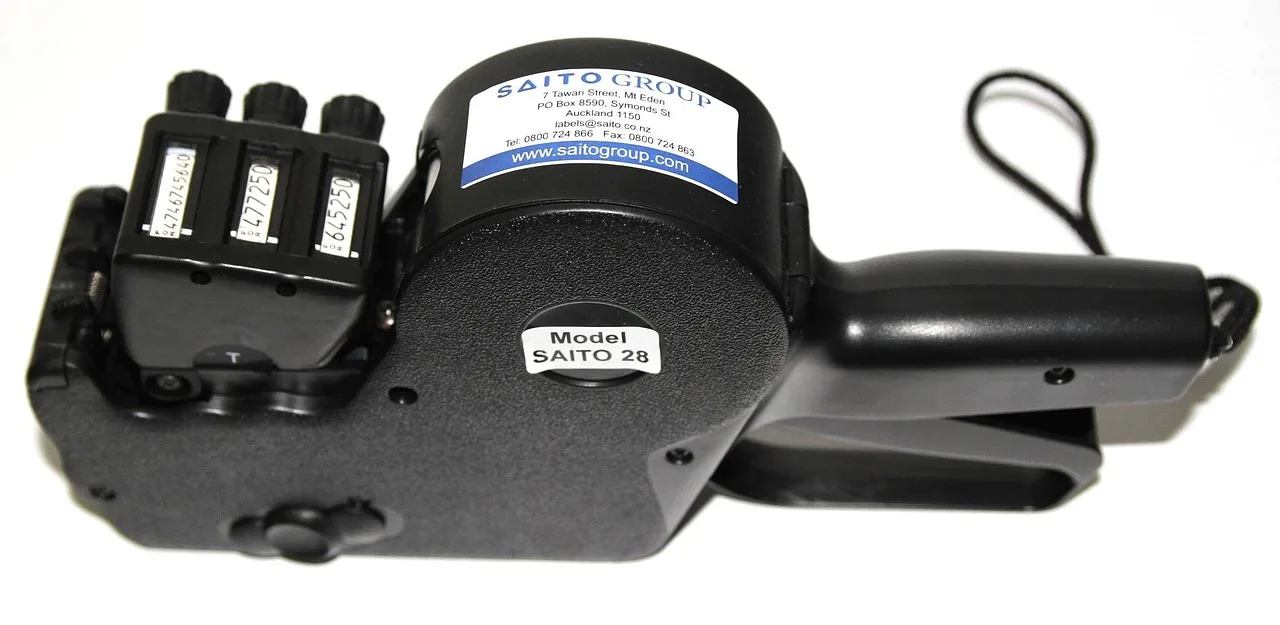
Best Label Maker for Home Use with Easy-to-read Labels
Brother P-Touch Cube Plus is the best pick for readable home labels. The guide compares handheld, Bluetooth, laminated, and thermal options.
-
Best Document Scanner for Home Office: Key Differences
Duplex sheet-fed scanners suit most home offices; flatbeds fit fragile pages and books. Compare ADF size, duplex speed, and OCR quality.
-
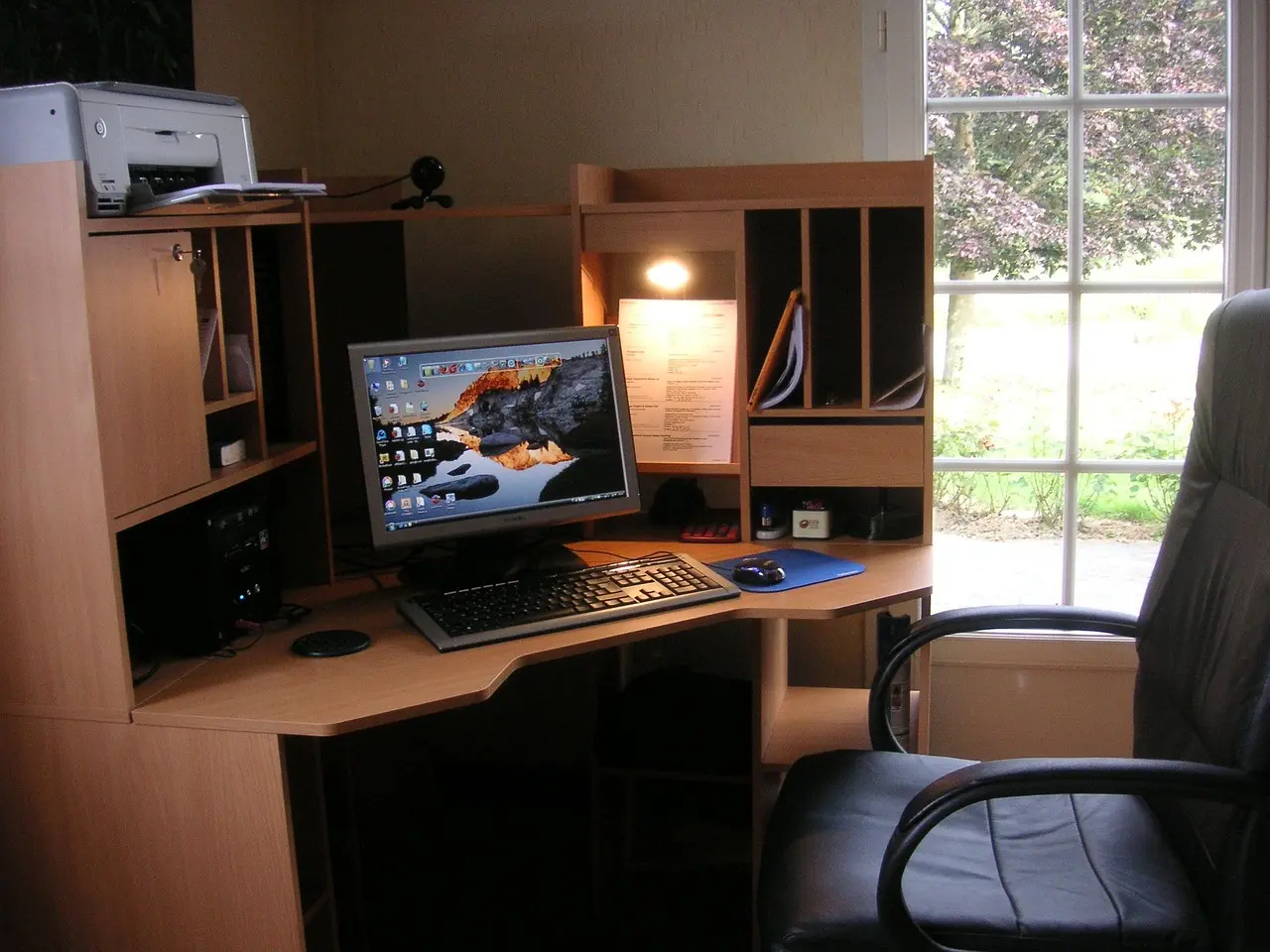
Printer Says Offline but Is Connected: Troubleshooting Steps
Check the network, clear the queue, renew the IP, then reinstall the driver if needed. This guide covers queue blockage, IP drift, and driver…
Start here
How to use this site
Pick a topic
Choose the area you need help with from the topics above.
Read the guide
Each guide answers one question in plain English.
Compare and check price
Follow the product links to compare options and check the current price on Amazon.
About
About CopyScience
CopyScience publishes plain-English guides on printers, scanners, ink, toner, paper, label makers, and desk setups. It helps readers solve common home office problems.
We may earn a commission from qualifying Amazon purchases made through links on this site. Read our affiliate disclosure.
How we write our guides
- Research-basedGuides start from real search questions and product details.
- Plain EnglishShort answers first, with no jargon.
- Updated when products changeWe revisit guides as products and advice change.