All in One Printer vs Regular Printer: Key Differences Explained

Choose one printer if you need printing plus scanning or copying at home. Choose regular printer if your main need is faster, simpler printing for documents. Picking the wrong type can mean paying for features you never use or missing one you need often. This guide compares print speed, cost, size, ink use, and everyday home-use fit.
| Decision factor | one printer | regular printer | Winner |
|---|---|---|---|
| Functions | Prints, scans, and copies; many home models also include wireless connectivity | Prints only; fewer features and simpler setup | one printer |
| Upfront cost | Usually higher because of the added scan and copy hardware | Usually lower because it only includes the print engine | regular printer |
| Speed for batch jobs | Can be fast, but speed depends on whether it is inkjet or laser | Can also be fast, and single-function models often focus on print throughput | regular printer |
| Space and setup | Larger footprint and more features to configure | Smaller footprint and fewer setup steps | regular printer |
| Long-term fit for mixed home tasks | Better when you scan homework, receipts, forms, or documents often | Better when you only print and want fewer parts to maintain | one printer |
Features, setup and desk space
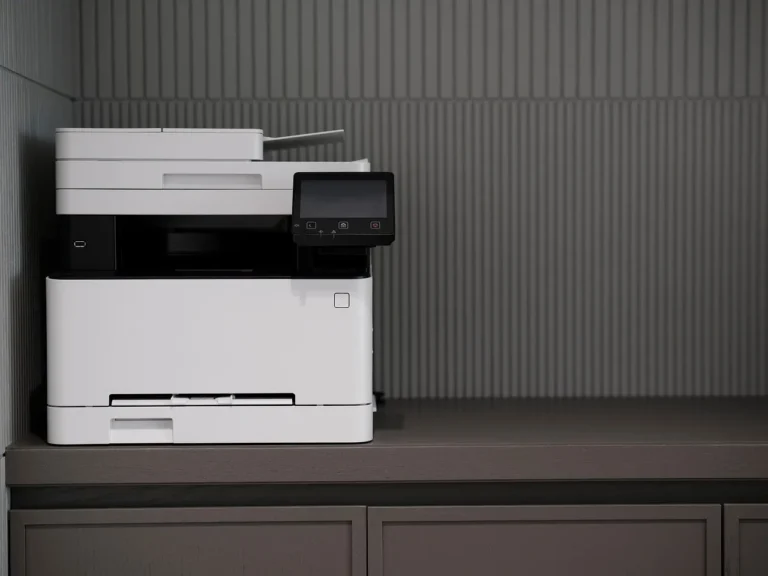
An all-in-one printer combines printing, scanning, and copying in one device, while a regular printer is usually limited to printing. The first choice buys convenience for mixed home tasks. The second choice keeps the device smaller, simpler, and usually cheaper to buy.
What each type includes at home
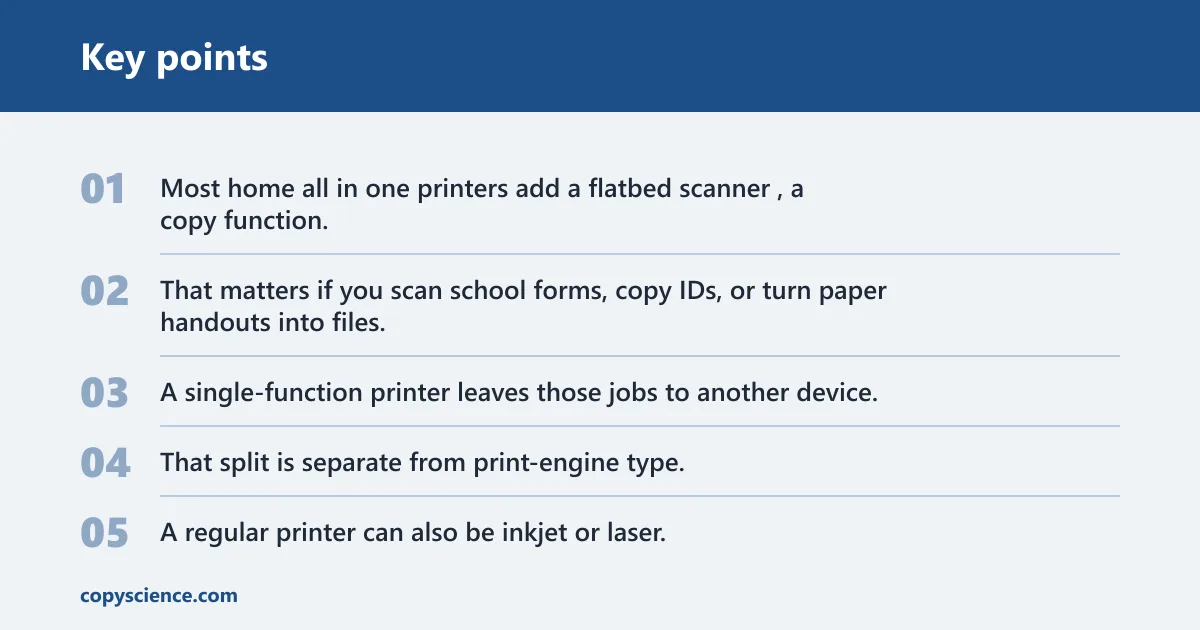
Most home all in one printers add a flatbed scanner, a copy function, and often wireless connectivity. That matters if you scan school forms, copy IDs, or turn paper handouts into files. A single-function printer leaves those jobs to another device.
That split is separate from print-engine type. A one printer can be inkjet or laser. A regular printer can also be inkjet or laser. You are deciding how many functions the machine includes, then deciding whether the print engine should use liquid ink or toner powder.
Upfront cost and setup complexity
Regular printers are often easier to unpack and place because they have fewer moving parts and fewer menu options. One printer models usually need a little more setup, especially if you want scan-to-email, scan-to-cloud, or wireless printing to work well.
Suppose a household prints a tax form once a month and never scans anything. An all-in-one unit would sit there with a scan bed that never gets used. The extra hardware adds cost without changing the main job.
Space use and desk footprint
One printer models usually take more desk space because the scanner bed and lid are built in. That matters in a small apartment, on a crowded study desk, or in a shared home office. A regular printer can fit more easily into tight storage or a shelf.
A common first-timer mistake is buying a multifunction model for a tiny desk, then moving it again and again because the lid needs clearance and the paper tray needs room. A simpler printer often solves that problem before it starts.
Which printer is faster for home use?
For raw print speed, laser models usually have the edge. Laser printers are often listed around 20-40 pages per minute, while inkjets are often around 5-15 pages per minute. That matters most when you print long reports, class packets, or other batch jobs.
Pages per minute and what it means in practice
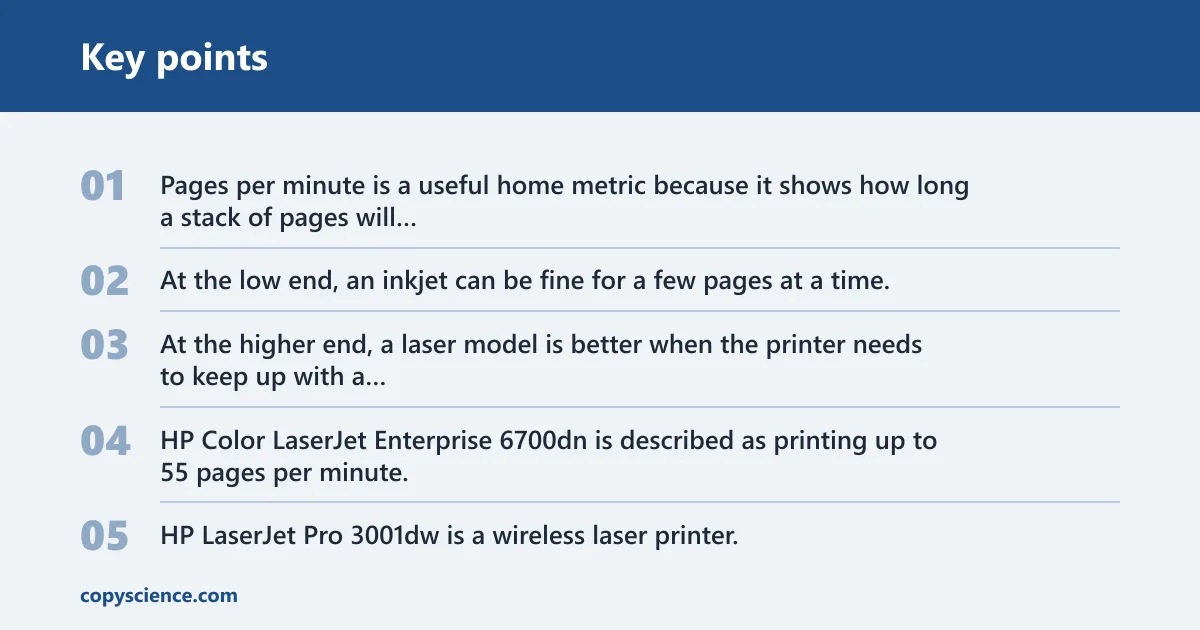
Pages per minute is a useful home metric because it shows how long a stack of pages will keep you waiting. At the low end, an inkjet can be fine for a few pages at a time. At the higher end, a laser model is better when the printer needs to keep up with a heavier stream of pages.
HP Color LaserJet Enterprise 6700dn is described as printing up to 55 pages per minute, which is a useful speed benchmark for the laser category. HP LaserJet Pro 3001dw is a wireless laser printer, which fits the same frequent-printing use case even though it is aimed at a smaller home or office setup.
Laser speed versus inkjet speed
Laser printing uses powdered toner and a drum fused with heat. That process is built for speed and sharp text output. Inkjet printing uses liquid ink droplets sprayed through microscopic nozzles, which is one reason it is often slower on long document runs.
If your home prints a 40-page homework packet every week, speed is more than a spec line. It affects how long the printer ties up your desk and how often you wait for the last page to finish. For a few pages here and there, the difference matters less.
When speed matters most
Speed matters most when the printer is part of a routine, not a rare event. Remote work, weekly school packets, and long text documents favor a faster engine. Photo printing, by contrast, tends to care more about output quality than pages per minute.
How do running costs compare?
Running cost depends on the print engine and on how often you print. Inkjet printers often have a lower upfront cost but can be more expensive to operate. Monochrome laser printers are described as having a lower cost per page than inkjets, which makes them a stronger fit for frequent text printing.
Ink versus toner
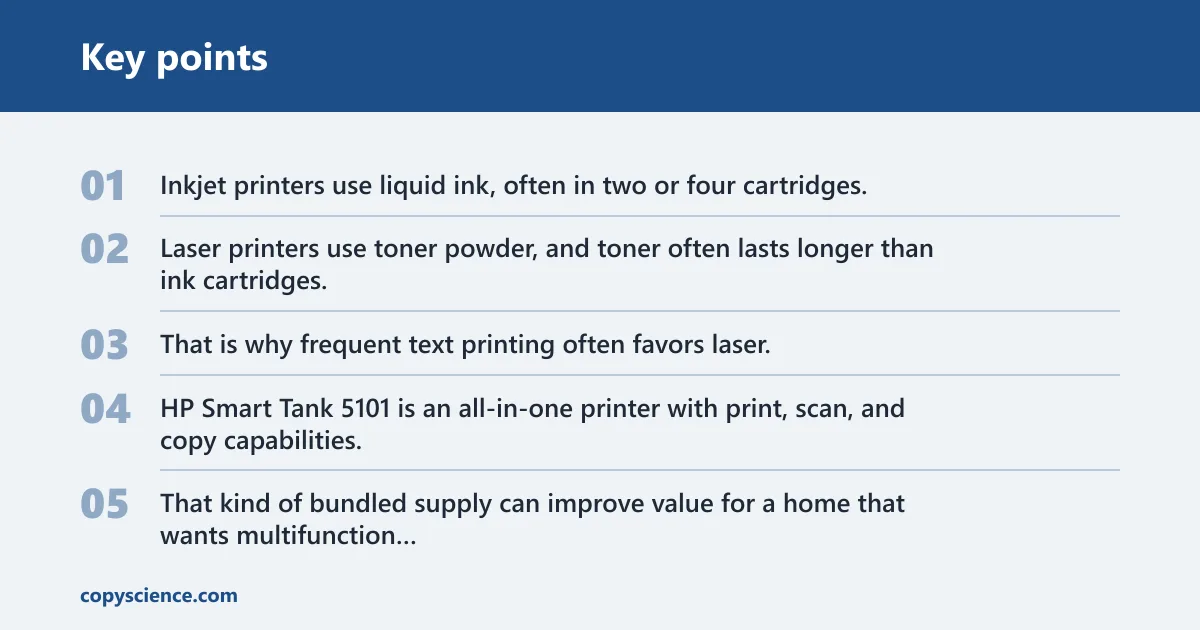
Inkjet printers use liquid ink, often in two or four cartridges. Laser printers use toner powder, and toner often lasts longer than ink cartridges. That is why frequent text printing often favors laser, even when the purchase price is higher at the start.
HP Smart Tank 5101 is an all-in-one printer with print, scan, and copy capabilities, and it includes up to 2 years of ink. That kind of bundled supply can improve value for a home that wants multifunction hardware without immediate cartridge replacement pressure.
Cost per page and maintenance
Cost per page includes consumables and maintenance, not just the box price. A low-cost inkjet can become expensive if it sits idle, needs replacement cartridges, and then asks for cleaning cycles. A laser printer usually keeps running more predictably for text-heavy use.
HP Instant Ink is designed to automatically deliver replacement cartridges, which can simplify ink replenishment for a home inkjet setup. That helps with ownership friction, but it does not change the basic fact that inkjets often carry higher operating cost than a comparable laser model.
Why low-use homes can pay more over time
Low-use homes often pay more for an inkjet because idle time can mean dried nozzles or clogged cartridges. When that happens, the printer may need cleaning before it prints well again. The device still costs money, even if it only prints a few pages a month.
Regular printers can also be a better fit in low-use homes because there is less built-in hardware to sit unused. If you only need print output, you do not have to maintain a scanner bed, a copy lid, or extra scan software.
Do you need scan and copy functions?
Many homes do need them, but not all do. If you scan school forms, copy IDs, or save paper documents as files, one printer can save time and reduce clutter. If you only print shipping labels, homework sheets, and receipts, those extras may be wasted hardware.
Schoolwork and remote work use cases
Schoolwork often creates a mixed workflow. You may print a worksheet, sign a form, then scan it back in. Remote work can look similar, especially when you need to upload signed pages or copy a document for records. One printer suits that pattern well.
Picture a kitchen-table setup where a parent prints a permission slip, signs it, and scans it back before school drop-off. A built-in scanner makes that a single device task. With a regular printer, the household needs another scanner or a phone workaround.
When built-in scanning saves time
Built-in scanning saves time when the same document moves between paper and digital form repeatedly. That can include lesson handouts, school registration pages, medical forms, and home-office records. The fewer devices involved, the fewer steps you need to complete the job.
When extra hardware becomes dead weight
If you never scan or copy, the scanner is dead weight. It occupies desk space and increases purchase cost without changing your main result: printed pages. In that case, a regular printer usually makes more sense, especially if the home already has a phone camera or another scanner nearby.
Printer decision matrix
This matrix turns the choice into a home-use decision, not a feature checklist. The right pick changes with the workload, the available space, and how often you need scan or copy tools.
| Home-use scenario | Upfront cost | Running cost | Speed | Space | Likely pain points | Best pick |
|---|---|---|---|---|---|---|
| Document-only household | Lower with regular printer | Often lower with laser regular printer | Better with regular printer if it is laser | Smaller with regular printer | Paying for scan and copy hardware you do not use | regular printer |
| Schoolwork and mixed-use home | Higher with one printer | Depends on ink or toner choice | Usually fine for home tasks | Needs more room | Without scanning, the workflow becomes clumsy | one printer |
| Photo printing | Often lower with inkjet one printer | Usually higher with inkjet | Slower than laser on documents | Moderate to large | Photo use can make toner less suitable | one printer |
| Remote work | Higher with one printer | Often lower with laser if printing a lot | Better with laser regular printer | Smaller with regular printer | Missing scan and copy tools if paperwork is common | one printer |
| Low-usage household | Lower with regular printer | Can rise if inkjet sits idle | Not usually a priority | Smaller with regular printer | Clogged inkjets and unused scan beds | regular printer |
Choose one printer if… / Choose regular printer if…
Choose one printer if you scan or copy often, want one machine for schoolwork and remote work, or plan to print photos and color documents from a home desk. It is also the better pick if you want the scan bed built in instead of adding another device later.
Choose regular printer if you only print, want fewer parts, want a smaller footprint, or care most about quick text printing and lower operating cost. A laser model fits frequent document printing especially well; an inkjet regular printer fits lighter photo or color use when the budget is tighter at purchase time.
Frequently asked questions
What is the difference between an all in one printer and a regular printer?
An all in one printer prints, scans, and copies in one unit, while a regular printer only prints. The first helps when home tasks move between paper and digital files. The second is simpler, smaller, and often cheaper to buy and maintain.
Is an all in one printer better than a regular printer for home use?
It is better only when you will use the extra functions. For school forms, home office paperwork, and copy jobs, one printer is the practical choice. If you only print documents, a regular printer is usually the cleaner fit.
Do all in one printers cost more to maintain than regular printers?
Often yes, because they include more hardware and are commonly paired with inkjet engines in home use. Maintenance depends on ink or toner, but unused scan and copy parts still add cost and space. That extra hardware can become hard to justify in low-use homes.
Which printer is better if I only need to print documents?
A regular laser printer is usually the better choice for document-only printing. It is built for text-heavy pages, tends to be faster, and often has lower cost per page than an inkjet. If volume is low and price matters most, a basic inkjet can still work.
Are inkjet all in one printers good for photos and school work?
Yes. Inkjet printing is described as ideal for photo printing and graphics-heavy documents, which makes it a solid fit for color schoolwork and family photos. The tradeoff is slower output and, in many cases, higher operating cost than a comparable laser setup.
Which printer type is cheaper to run for high-volume printing?
Laser printers are usually cheaper to run for high-volume printing, especially monochrome models. Toner lasts longer than ink cartridges, and laser printers are often listed at 20-40 pages per minute. That combination suits frequent document printing better than most home inkjets.
Can a regular printer print faster than an all in one printer?
Yes. A regular printer can be faster when it is a laser model and the all in one is an inkjet. Speed depends on the print engine, not only on the all-in-one feature set. For batch jobs, a laser regular printer is often the speed leader.