What Is a Plotter and How Does It Work Compared to a Printer?

A plotter is a large-format output device that draws vector lines with high positional accuracy, while a printer sprays or fuses dots onto a page. Choose a plotter when you need oversized plans, maps, or other line art at exact scale. Pick the wrong device and you waste media, lose line precision, or cannot print at the required size. This guide explains how plotters work, how they differ from standard printers, and how file type, media size, and output precision decide the better buy.
What is a plotter?
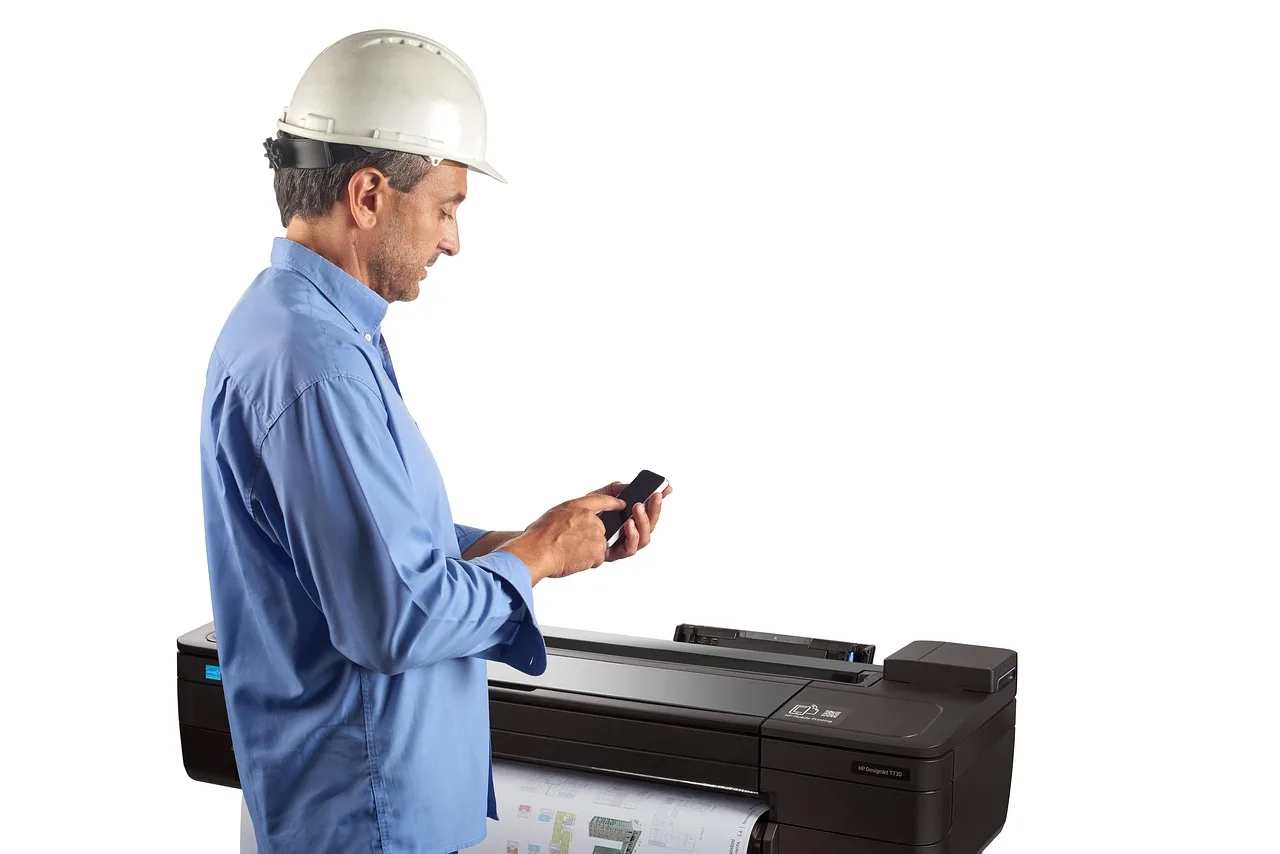
A plotter is a computer output device built to make continuous lines from vector graphics, often with automated pens or modern printheads. It is used for large-format technical drawings and graphics where scale and line quality matter more than photo-style dot patterns.
Plotters are common in architecture, civil engineering, and mapping because they handle drawings that must stay exact: floor plans, schematics, site maps, and related technical sheets. They also show up in sign work and production settings where the output is larger than a standard office page.
That is the key difference to keep in mind. A plotter is not simply a bigger printer; it is a line-focused device that follows coordinate instructions closely.
How does a plotter work?
A plotter works by taking vector instructions and moving a pen, printhead, or blade along specified paths. The result is a continuous line workflow, which is why plotters are a strong fit for CAD files and other precise line art.
Older pen plotters used a mechanical pen or pencil to draw directly on paper. Modern devices often use inkjet technology with colored ink, or a knife for cutting materials such as vinyl film.
From file to output
Vector graphics matter because they store point-to-point line instructions rather than a grid of dots. That lets the device follow curves, corners, and scale changes with less ambiguity than a raster image can offer for technical work.
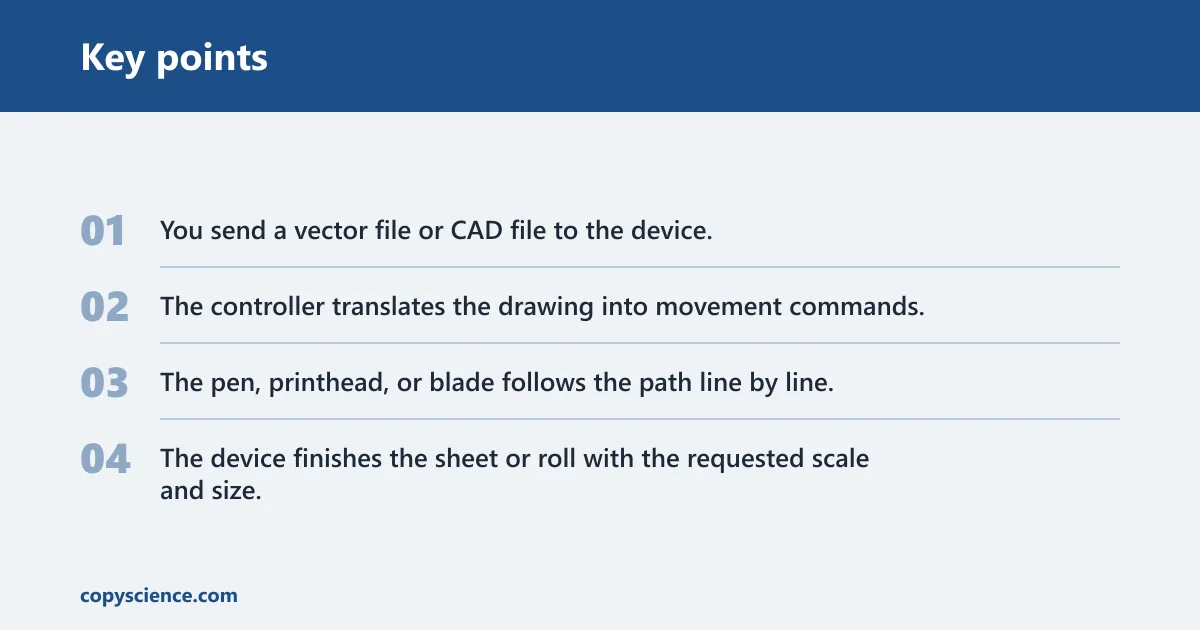
- You send a vector file or CAD file to the device.
- The controller translates the drawing into movement commands.
- The pen, printhead, or blade follows the path line by line.
- The device finishes the sheet or roll with the requested scale and size.
Classic plotters often used HP-GL, an ASCII-based plotter control language. Its pen up and pen down commands tell the device when to move without drawing and when to mark the media. (Wikipedia)
Legacy and modern workflows
Pen plotters are the oldest familiar style. They are precision-focused and usually monochrome, which makes them easy to associate with technical drafting.
Inkjet plotters are different. They still belong in the plotter family when they are built for large-format line work, but they use inkjet heads instead of a mechanical pen. That makes them better suited to large color graphics, presentations, and mixed technical sheets.
Is a plotter a printer or a different device?
A plotter is a type of printer technology, but it behaves differently from a standard office printer. The practical difference is in how it creates output: plotters trace lines from vector data, while standard printers place tiny dots of ink or toner onto the page.
That distinction matters when you care about line continuity, scale, and oversized output. A plotter is still a printer in the broad sense, yet it is built for a narrower job.
What is the difference between a plotter and a printer?
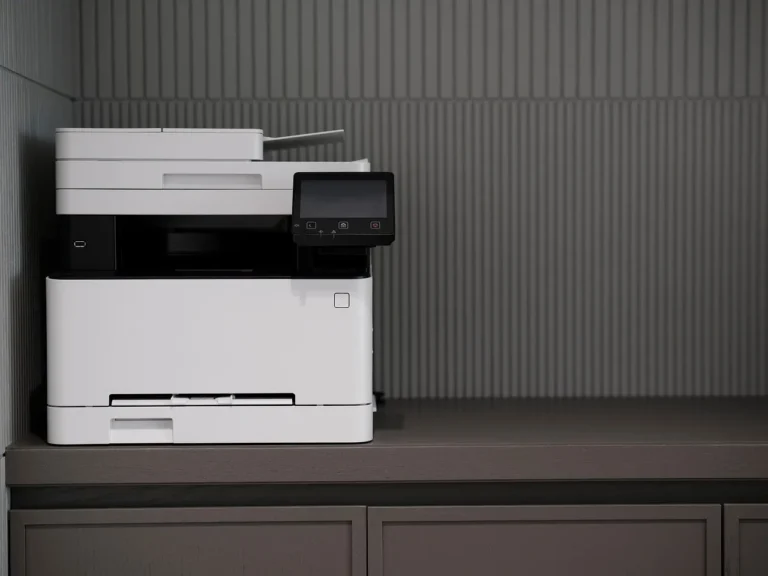
The main difference is output method. A traditional printer deposits tiny dots of liquid ink or toner, while a plotter printer follows vector paths with tight motion control. That makes plotters better for continuous lines, technical drawings, and large-format graphics.
Standard printers are better for office documents, letters, forms, and everyday mixed text pages. They are usually faster for those tasks and easier to fit into a small office workflow.
A common first-timer mistake is buying a large device for a small office and assuming larger means better. If your work is mostly PDFs, memos, and reports, a standard printer often makes more sense than a plotter.
Precision, line quality, and scale
Plotters are valued for line quality because they follow vector paths instead of building the image from dots. That matters when a 1:100 drawing needs to stay readable after enlargement or when a map needs clean borders and labels.
By contrast, a standard printer can reproduce a drawing, but it is not the best tool for exact technical line work. Fine diagonals, arcs, and long straight runs can look less controlled when the file is rasterized or scaled poorly.
When a normal printer is the better fit
Use a standard printer when the output is mostly text, email attachments, invoices, or mixed documents that do not need exact scale. It is also the better choice when you do not need large sheets, roll-fed media, or vector-based line precision.
Suppose your office prints meeting packets and the occasional 11 x 17 handout. A plotter would be the wrong purchase, even if it can technically print those files.
What is the difference between a wide-format printer and a plotter?
A wide-format printer usually prints 24 to 36 inches wide and often uses rolls of paper. A true plotter is more specific: it is built around precise line output from vector data. Not all wide-format printers are plotters.
That is where buyers get tripped up. Wide-format describes width. Plotter describes how the device places lines and what kind of work it handles best.
Why the label matters
Some wide-format devices are made for posters, banners, or photo-heavy graphics. They can handle large paper, but they do not necessarily provide the line accuracy or control logic expected from plotter printers.
If you need architectural linework, choose based on the file type and precision needed, not only on width. A device that prints wide sheets is not automatically the right device for CAD output.
Roll-fed media and footprint
Wide-format printers typically use rolls of paper, which helps with long prints and repeated jobs. Modern plotters are often more compact than older models, but they still need more room than a desktop printer because of media handling and clearance around the output path.
That footprint matters in small offices. A machine can fit physically and still be a poor choice if the job volume is low or the workflow never uses large media.
Plotter types you may see
The plotter family includes a few distinct device types, each aimed at a different job. The best choice depends on whether you need line drawing, color graphics, or cutting rather than printing.
Pen plotters
Pen plotters use a mechanical pen or pencil to draw lines. They are a legacy option, but they explain why the word plotter still sounds tied to drafting.
Inkjet plotters
Inkjet plotters typically use inkjet technology and colored ink. They are common in modern large-format devices and can produce technical sheets, renderings, and other graphics where color matters.
Cutting plotters
Cutting plotters use knives or blades instead of pens. They cut materials such as vinyl film and are used for decals, cardmaking, and similar production work.
Why are plotters used for CAD drawings and maps?
Plotters are used for CAD drawings and maps because those files rely on vector graphics, where each line, curve, and boundary must stay precise. HP says plotter printers are used in architecture, engineering, and GIS for exactly that reason.
Technical drawings, building designs, schematics, maps, orthophotos, and renders all benefit from clean line control and accurate scaling. A plotter is a strong fit when the output has to preserve geometry, not just appearance.
Do you need a plotter?
You need a plotter when your work depends on vector line accuracy, large output sizes, or media that a standard printer cannot handle well. If your files are mostly raster images or office documents, a normal printer is usually the better tool.
Check your file type first
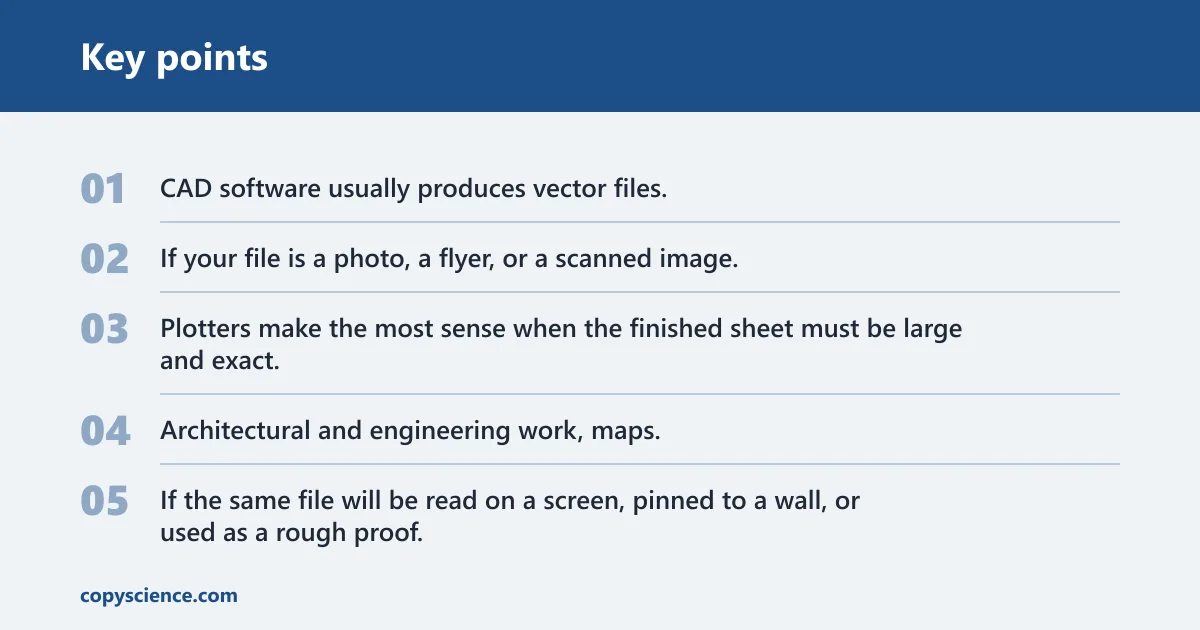
Start with the source file. CAD software usually produces vector files, and those are a natural fit for plotter output. If your file is a photo, a flyer, or a scanned image, the case for a plotter weakens unless the job is simply oversized.
Check size and precision next
Plotters make the most sense when the finished sheet must be large and exact. Architectural and engineering work, maps, and technical drawings are the clearest examples.
If the same file will be read on a screen, pinned to a wall, or used as a rough proof, a standard printer can be enough. Precision matters most when scale and line fidelity matter to the job itself.
Check media and volume last
Media choice affects cost and workflow. Roll stock, ink use, maintenance, and footprint all push a plotter toward higher-need environments rather than casual office use.
For low volume, a standard printer is usually simpler. For repeated large-format jobs, a plotter may reduce rework and wasted sheets.
Plotter decision table
Do you need a plotter? Use the table below to match the file, size, and media to the right device.
| File type | Output size | Precision needed | Media | Recommended device |
|---|---|---|---|---|
| CAD linework | 24 to 36 inches | Yes | Roll paper | Yes — a plotter keeps vector lines clean at scale. |
| Posters | Large sheet or roll output | No | Coated paper | No – a wide-format printer is usually enough for graphic-heavy posters. |
| Maps | Large sheet | Yes | Roll paper | Yes — map boundaries and labels benefit from accurate line control. |
| Vinyl cutting | Cut sheet or roll | Yes | Vinyl film | Yes, a cutting plotter is the right device for blade-based output. |
| Office documents | Letter or legal size | No | Plain paper | No, a standard printer is the better fit for text and forms. |
| Mixed graphics | 24 inches or larger | Sometimes | Roll paper or coated stock | Maybe, choose a true plotter only if the vector linework must stay exact. |
Frequently asked questions
What is a plotter and how does it work?
A plotter is a computer output device that draws continuous lines from vector graphics with automated pens, modern printheads, or blades. It works by converting file instructions into controlled movement, which is why it suits CAD drawings, maps, and other large-format line work.
How does a plotter print lines more accurately than a normal printer?
It does so by following vector paths instead of building the image from a dot grid. That line-first workflow, along with continuous movement and precise pen control, helps keep arcs, boundaries, and scale relationships cleaner on technical drawings.
When should you use a plotter instead of a standard printer?
Use a plotter when you need large-format output, vector-based drawings, maps, or CAD files that must stay accurate at scale. For office documents, text pages, and most mixed-use printing, a standard printer is usually the simpler and cheaper choice.
Can a modern plotter print color, not just technical drawings?
Yes. Inkjet plotters use colored ink and can handle posters, renderings, and other large graphics. Color support does not change the core idea, though: the device still matters most when size, media handling, and line quality are part of the job.