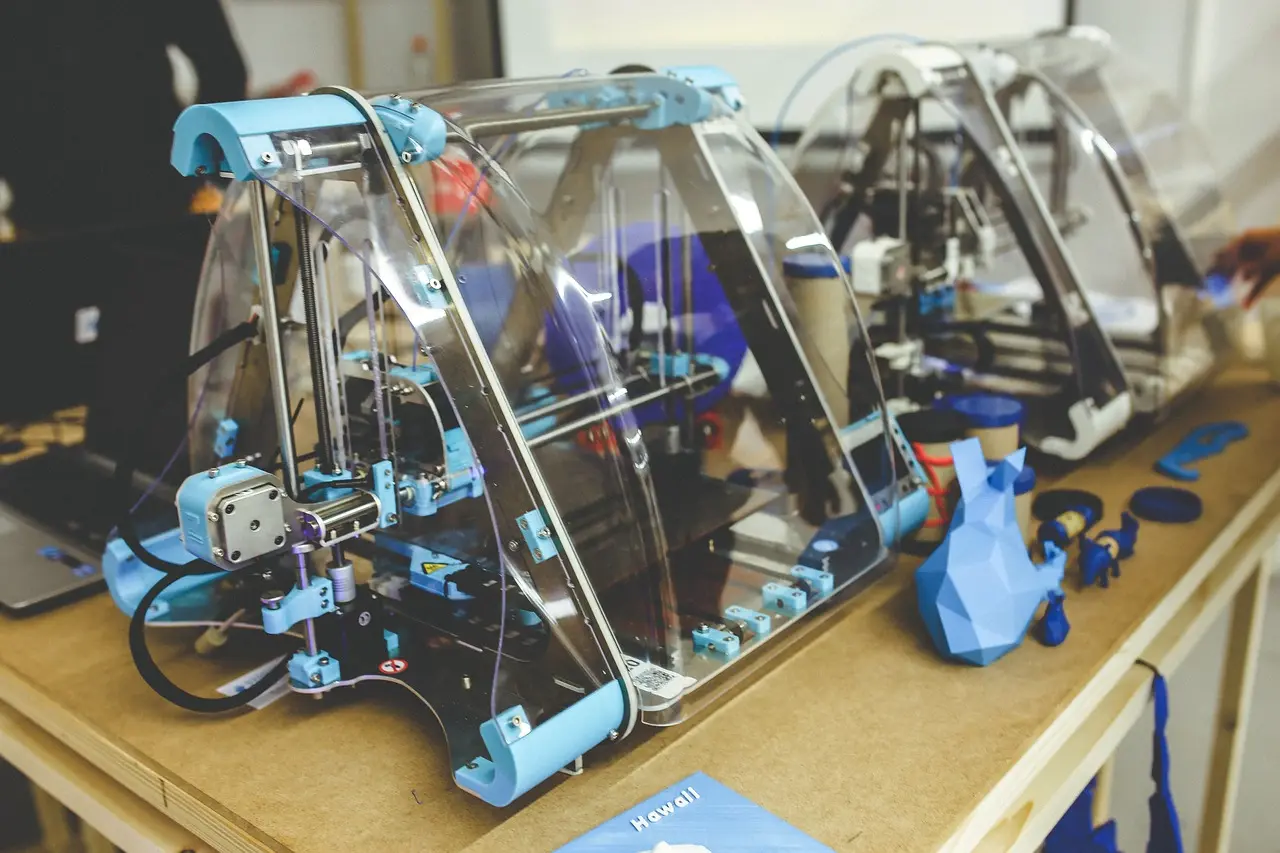
Printer and Plotter Difference: Output Devices Explained Simply

A printer makes routine documents on standard paper. A plotter makes large-format, high-precision output such as CAD drawings, maps, and posters. Picking the wrong device can waste money, take up extra space, and slow down output, while also leaving you with blurry linework or files that are too large to print cleanly. This guide explains how each device works, where it fits, and why modern plotters still matter.
What is an output device?
An output device turns digital data into something you can read, see, or hear. A monitor shows visuals, speakers produce audio, and a printer or plotter turns files into printed paper or other physical output. The category matters because the job drives the hardware choice.
For print work, the main split is simple: general document output versus large-format precision output. That difference affects paper handling, file size, workflow, and the kind of user who benefits from each device.
What is a printer?
A printer is a hard-copy output device that puts text and images onto paper. GeeksforGeeks lists printers as common output devices used for office reports, photos, and educational materials, with inkjet, laser, and dot matrix among the common types.
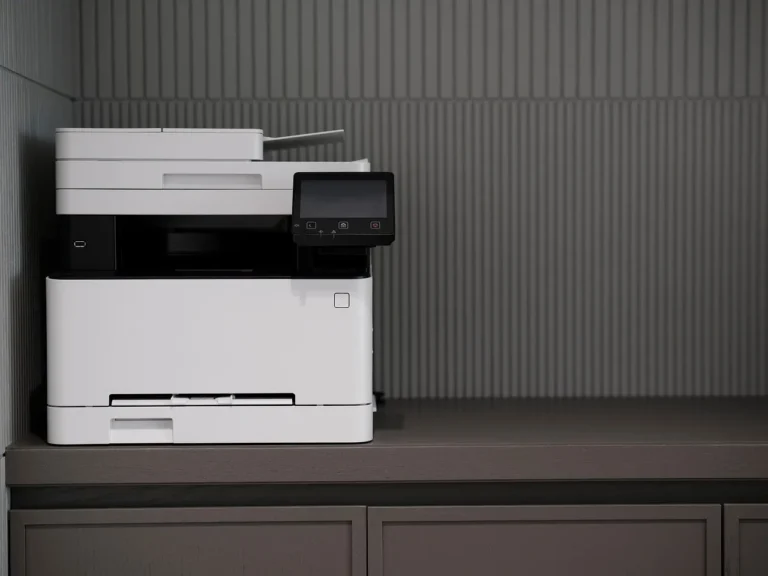
Printers are built for routine page sizes and general office work. They are the normal choice for handouts, letters, invoices, worksheets, and photo prints where you want a readable page quickly and without large-format handling.
Common printer types
- Inkjet: Common for color documents and photos.
- Laser: Common for fast text-heavy office work.
- Dot matrix: Still used in some specialized forms and multipart paperwork.
Those types differ in how they place marks on paper, but they all fit the same broad job: producing normal paper output for everyday use. That is why a standard printer is usually the right fit for home, classroom, and office pages.
What is a plotter?
A plotter is a specialized output device for large-scale graphics or technical drawings. The same source says plotters are used for architectural blueprints, maps, and engineering designs, and another guide describes them as devices that draw large, accurate images on paper.
Plotters are best understood by the work they are meant to do. They are used when the page is larger, the linework matters, or the layout must stay clean across a wide sheet. That includes posters, signage work, and technical drawings.
Legacy pen plotters versus modern wide-format models
The old image of a plotter comes from pen-based machines that moved a pen across the page to create drawings. That history still affects the name, but it does not describe every modern model. Many current plotters are wide-format inkjet devices that lay down dots of ink rather than literal pen-drawn continuous lines.
That distinction matters. If you assume every plotter is a pure “line-drawing” machine, you miss the practical reality that modern wide-format plotters often behave like specialized printers with larger media support, tighter workflow choices, and better output for oversized graphics.
Common plotter types
- Drum plotter: Uses a rotating drum; the paper moves one way while the pen moves another, which suits long, continuous drawings.
- Flatbed plotter: Uses a flat surface and moves the pen across the sheet in multiple directions for high-precision engineering and architectural work.
- Inkjet plotter: Sprays tiny drops of ink on paper and is used for large prints and large graphics.
- Cutting plotter: Cuts shapes from vinyl or paper instead of drawing with ink; common in advertising, stickers, and signboards.
Printer or plotter?
The right choice depends on document size, line precision, color needs, and how the file will be used. A printer is often the better fit for standard pages and general office output. A plotter is often the better fit when the sheet is larger, the drawing must stay clean at scale, or the workflow includes technical or signage work.
| Decision factor | Printer | Plotter | Short recommendation |
|---|---|---|---|
| Document type | Reports, handouts, photos, worksheets | Blueprints, maps, engineering drawings, posters | Use a printer for routine pages; use a plotter for oversized technical or display work. |
| Required width | Standard paper sizes | Large-format sheets | If your file needs a wide sheet to stay readable, choose the plotter path. |
| Line precision | Good for text and general graphics | Better suited to technical linework and scaled drawings | Choose the device that matches the detail level of the file, not the one with the bigger name. |
| Color coverage | Solid for everyday color documents and photos | Often strong for large graphics and presentation output | For posters and presentation boards, a wide-format inkjet plotter may be the better fit. |
| Speed | Usually better for routine office batches | Often slower on large jobs | Choose a printer when speed and volume matter more than sheet size. |
| Typical user | Students, home users, office teams | Architects, engineers, signage shops | Match the device to the workflow, not the label. |
Printer vs plotter: what changes in daily use?
The biggest differences show up in width, media handling, and output workflow. Printers are built for standard pages and faster everyday output. Plotters are built for larger sheets, detailed layouts, and jobs that break down if they are forced into a normal page box.
Paper width and media handling
A standard printer expects common page sizes and straightforward feeding. A plotter is made for larger media, which is why it is common in architectural and engineering offices. That wider handling is the main reason a plotter can make a full blueprint or large poster without slicing the design into awkward pages.
Say your class project is a one-page handout with a few diagrams. A printer is the practical choice. Say the same project becomes a 36-inch site plan with labeled dimensions; a plotter is the device that keeps the sheet readable as one piece.
Line fidelity and color coverage
The old “plotters draw lines, printers print dots” shortcut is only a rough simplification. Legacy pen plotters did physically draw lines, but modern inkjet plotters print dot patterns like other inkjet devices. What still separates them is the output target: wide-format technical and graphic work, where the device and media handling are built for scale.
That means line fidelity depends on the whole setup, not on the word plotter alone. File resolution, driver settings, media, and calibration all matter. A wide-format device can produce excellent technical output, but it is not magic. A badly prepared file still looks bad on a plotter.
Speed and workflow fit
Printers often win on ordinary office speed and convenience. Plotters often take longer because they handle larger sheets and more complex output paths. For a team that prints reports all morning, a regular printer fits the workflow better. For a design team outputting blueprints, the wider device fits the job even if it is slower.
Another common first-timer mistake is sending a dense CAD export to a small office printer and expecting the lines to stay clear. The file may print, but the result can be crowded, scaled down, or unreadable. The wrong device creates a workflow problem before it becomes a print problem.
Which device should you choose?
Choose a printer for everyday paper output. Choose a plotter when the file is large-format, technical, or meant for presentation-sized graphics. The right answer depends less on “better” and more on whether the device matches the size, precision, and use case of the file.
Students and home users
Most students and home users should start with a regular printer. It handles notes, worksheets, essays, and photos without the space or complexity of a plotter. If you only occasionally need a large poster, a print shop or campus lab is often the simpler route.
Architects and engineers
Architects and engineers should lean toward a plotter or a wide-format printer-plotter hybrid when the work includes blueprints, maps, and scaled drawings. The same source lists architectural blueprints, maps, and engineering designs as plotter uses, and that is the clearest fit for the device class.
Signage shops and print shops
Signage shops often need more than one output path. A cutting plotter handles vinyl and paper shapes, while an inkjet plotter handles posters and large graphics. The choice depends on whether the job needs color printing or shape cutting. They are different tools with different end results.
Office teams
Office teams usually do better with printers unless they regularly output large drawings or presentation boards. Reports, training sheets, invoices, and handouts belong on a standard printer. A plotter is only worth the space if the office routinely handles wide technical sheets or large-format graphics.
Common confusion about modern plotters
Plotter terminology has drifted. People still say “plotter” for a legacy drawing machine, but they also use it for modern wide-format inkjet equipment. Some devices are even described as printer-plotter hybrids because they print like specialized wide-format printers while serving technical and graphic workflows.
Are plotters printers?
Sometimes, yes in practice. Modern inkjet plotters are often specialized wide-format printers with a plotter label because of the work they do and the media they support. The label is less important than the function: large-format output, technical drawing workflows, or signage work.
Do plotters print dots or lines?
Both answers appear in the real world, depending on the device. Legacy pen plotters drew true continuous lines. Modern inkjet plotters print dots of ink, just like other inkjet devices, but they are aimed at large-format output and technical linework. That is why the old shortcut is useful but incomplete.
Why terminology varies
Vendors, offices, and schools often use “plotter,” “wide-format printer,” and “printer-plotter” loosely. That can sound inconsistent, but the hardware overlap explains it. When you compare devices, focus on media width, output quality, and intended work, not the label alone.
Frequently asked questions
What is the difference between a printer and a plotter?
A printer is built for everyday documents and images on standard paper. A plotter is built for large-format output such as blueprints, maps, posters, and technical drawings. The practical difference is not only size; it is also the kind of workflow, media handling, and precision the device is meant to support.
Is a plotter a type of printer or a different device?
Modern plotters overlap with printers, especially wide-format inkjet models. In practice, many are specialized printers designed for larger sheets and technical or graphic output. Older pen plotters were more distinct, but today the word often describes the job and format more than a completely separate machine class.
Which is better for technical drawings, a printer or a plotter?
A plotter is usually the better choice for technical drawings because it is built for large sheets, cleaner scaled output, and line-heavy documents. A regular printer can handle small drafts or test prints, but it is more likely to compress detail or make the drawing harder to read at full scale.
How does a plotter work compared to a printer?
A traditional plotter moved a pen or knife across the media to create drawings or cuts. Modern plotters often use inkjet heads that spray tiny drops of ink, but they are still set up for large-format jobs. A standard printer is optimized for normal page sizes and general document output.
Can a plotter print color images?
Yes. Many modern inkjet plotters can print color images, posters, and large graphics. Color is not the dividing line. The key difference is the intended format and workflow: plotters are made for oversized output, while regular printers are made for routine document and photo printing.
When should you use a plotter instead of a regular printer?
Use a plotter when the file is too large for a standard printer, when linework must stay clear at scale, or when the job is meant for architectural, engineering, signage, or presentation use. For reports, handouts, and photo pages, a regular printer is usually the simpler and better choice.