Best Document Scanner for Home: Features & Picks

For most homes, the best document scanner is a duplex sheet-fed model with a 20- to 35-sheet ADF and OCR; flatbeds make sense mainly if you regularly scan photos, IDs, or fragile papers. Choose wrong, and bills, tax packets, and school forms turn into paper jams, hard-to-read PDFs, and a stack you keep putting off. Below, you’ll get the key features, scanner types, and the best picks for light, medium, and heavy household scanning.
A common top pick for most homes is a duplex sheet-fed document scanner with one-pass duplex, dependable OCR, and enough ADF capacity to handle about a week or two of paperwork in one session.
Quick picks
| Best for | Pick | Scanner type | Why it fits the job |
|---|---|---|---|
| Most homes | Duplex sheet-fed scanner with ADF | Dedicated document scanner | Best match for bills, tax forms, school packets, and medical records because stacks feed faster and double-sided pages finish in one pass. |
| Occasional scanning | Canon Maxify GX4020 / GX4050 | All-in-one printer scanner | TechRadar positions this as the best all-in-one printer for scanning, which fits homes that still print often and scan only modest monthly volumes. |
| Receipts and bills | Compact receipt-focused sheetfed scanner | Compact document scanner | Better paper control for narrow slips, easier batch filing to searchable PDF, and less desk use than a full printer. |
| Portability | Brother ADS-1350W | Portable scanner | Wirecutter’s top portable pick suits remote work, shared desks, and households that store the scanner away between uses. |
| Ultra-light travel | Brother DS-940DW | Mobile document scanner | Wirecutter’s ultraportable pick favors minimal footprint over stack capacity. |
| Heavy home paperwork | HP ScanJet Pro 2600 f1 | Dedicated document scanner | HP says it scans up to 25 ppm and 50 IPM and includes a 60-page, two-sided, single-pass auto document feeder, a strong fit for recurring home-office batches. |
| Large backlogs | HP ScanJet Pro N4600 fnw1 | Dedicated document scanner | HP says it scans up to 40 ppm and 80 IPM and has a 100-page, two-sided, single-pass auto document feeder for bigger catch-up sessions. |
| Photos first, documents second | Epson FastFoto FF-680W | Photo-focused scanner | Wirecutter’s upgrade pick for photo scanning works best when print archives matter more than standard office paperwork. |
Home paperwork decision table
| Home scenario | Monthly page volume | Paper type | Desired speed | OCR need | Desk space | Best-fit scanner form factor |
|---|---|---|---|---|---|---|
| Occasional bills, a lease once a year, school forms every few months | Under 50 pages | Mostly single sheets, a few two-sided forms | Low; a few minutes per batch is fine | Helpful but not mandatory | Tight | All-in-one printer scanner or phone scanning for single pages |
| Weekly filing of insurance letters, bank statements, and tax receipts | 50-200 pages | Mixed letter pages, some receipts, some duplex forms | Moderate; stack scanning matters | Yes, searchable PDF | Small to medium | Duplex sheet-fed scanner with 20- to 35-sheet ADF |
| Home office plus household paperwork in regular batches | 200-500 pages | Frequent duplex pages, signed forms, envelopes, occasional IDs | High; one-pass duplex preferred | Yes, searchable PDF and editable text | Medium | Dedicated desktop document scanner with reliable ADF |
| Tax-season cleanup, old records, medical binders, closing documents | 500+ pages during catch-up months | Large stacks, mixed page sizes, staples removed beforehand | High; longer sessions | Yes, strong workflow support | Medium to large | Higher-capacity dedicated document scanner |
| Receipt-heavy household or reimbursement tracking | 50-150 items | Thermal receipts, narrow slips, bills, letter pages | Moderate | Yes, but accuracy may vary | Tight | Compact receipt-focused sheetfed scanner |
| Remote work, shared apartment, scanner stored in a drawer | 25-100 pages | Mostly clean single sheets and short packets | Moderate | Yes | Very tight | Portable USB-powered scanner |
| Family photos, postcards, delicate originals, plus light paperwork | Documents vary; photos in smaller batches | Printed photos, fragile paper, IDs, occasional forms | Low to moderate | For documents, yes | Medium | Flatbed photo scanner or all-in-one with flatbed; separate document scanner if paperwork grows |
What is the best document scanner for most homes?
A duplex sheet-fed scanner with a modest ADF is the best fit for most homes because it removes the two biggest delays: loading pages one by one and rescanning the back side of forms. It beats a flatbed or phone when paperwork arrives weekly, but it is overkill for rare single-page jobs.
Why a duplex sheetfed scanner is the default winner
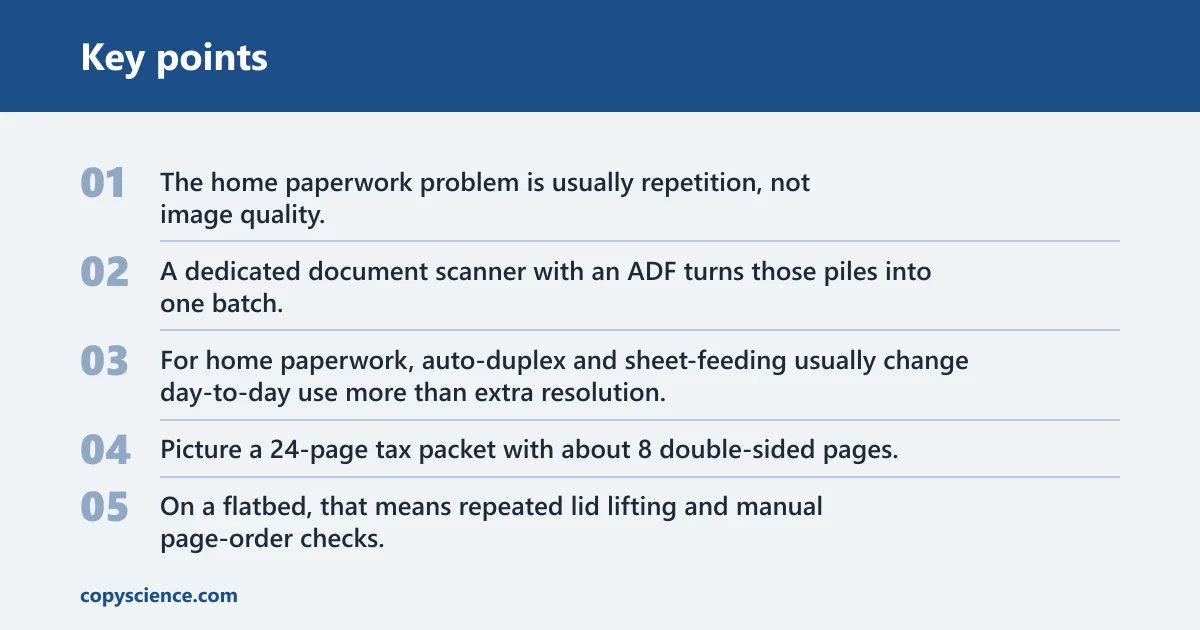
The home paperwork problem is usually repetition, not image quality. Bills arrive in stacks, tax packets mix blank backs with dense pages, and school forms often need signatures on both sides. A dedicated document scanner with an ADF turns those piles into one batch.
TechRadar says the best scanners should combine enough optical resolution for clear text and fine print, fast scan speeds, auto-duplex scanning, and a sheet-fed design. For home paperwork, auto-duplex and sheet-feeding usually change day-to-day use more than extra resolution.
When this pick saves time versus a flatbed or phone
If a household scans monthly statements, insurance letters, and multi-page forms, a sheetfed scanner cuts handling time more than any other upgrade. One-pass duplex matters because the scanner captures both sides at once instead of asking for a second pass or flipping the sheet internally, both of which slow larger batches.
Picture a 24-page tax packet with about 8 double-sided pages. On a flatbed, that means repeated lid lifting and manual page-order checks. On a duplex ADF scanner, it becomes one stack, one job, and a searchable PDF when OCR is on.
Who should skip it despite the speed advantage?
Skip a dedicated document scanner if scanning happens only a few times per month and printing already calls for an all-in-one. Also skip it if the real priority is old family photos. Document rollers can scuff, skew, or mishandle some prints, especially curled or delicate ones.
For compact standalone use, TechRadar lists the Fujitsu Image Scanner fi-800R as a compact standalone scanner ideal for home and office. That format fits homes that want a real scanner without giving up printer-sized space.
Should you buy a sheetfed scanner or an all-in-one printer scanner?
Buy a sheetfed scanner if paperwork repeats often and usually arrives in batches. Buy an all-in-one printer scanner if scans are infrequent, printing still matters, and desk space is already taken by a printer. A phone works for isolated single pages, but it is a poor substitute for recurring multi-page filing.
Sheetfed document scanner: best for repeat paperwork
A sheetfed model is built for throughput. The ADF handles statements, intake forms, school packets, and signed contracts without forcing you to place every page on glass. It also keeps page order more consistent once the stack is prepared.
Dedicated document scanners also tend to offer better scan-to-searchable-PDF workflows, page reordering, file naming, and batch save options. That matters more than a small speed edge when the real problem is finding the file three months later.
All-in-one printer scanner: best for low volume and limited budgets
If a home scans 10 pages one month and none the next, an all-in-one is easier to justify. TechRadar’s Canon Maxify GX4020 / GX4050 is positioned as the best all-in-one printer for scanning, which makes it a sensible choice when one device has to cover both printing and light scanning.
The tradeoff is friction. All-in-ones are fine for a utility bill or signed form, but less pleasant for a mixed pile of duplex forms and receipts. The scanner may be capable, but the workflow is often clumsy.
Phone scanning: acceptable for occasional single pages
Phone scanning can be enough for one insurance card, one permission slip, or one page that must be emailed now. It breaks down once page order, duplex pages, shadows, cropping consistency, and file naming start to matter.
A common first-timer mistake is scanning a seven-page medical form on a phone, then finding page 5 sideways and page 6 missing because the app auto-saved too early. That is the repeated friction a document scanner avoids.
Do you need an ADF for scanning documents at home?
You need an ADF if home scanning usually means more than three or four pages at a time, especially when forms are double-sided. ADF capacity affects how often you reload, while one-pass duplex affects how long the batch takes and how often paper handling goes wrong mid-job.
Jobs where an ADF changes the experience
An ADF matters for taxes, medical records, school packets, lease files, bank statements, and any paperwork that arrives in short stacks. The point is not maximum office speed. The point is finishing the batch before your attention drifts.
If the stack is mostly single pages once a month, a flatbed or all-in-one can be enough. If the stack reaches 15 to 20 sheets regularly, an ADF stops feeling optional.
ADF capacity, duplex mode, and paper-path reliability
For most homes, a 20- to 35-sheet ADF is often the practical sweet spot. Larger capacities help during backlog cleanup, but they also tend to mean larger bodies and higher cost. Reliability matters more than raw capacity when paper types vary.
HP says the ScanJet Pro 2600 f1 includes a 60-page, two-sided, single-pass auto document feeder and scans up to 25 ppm and 50 IPM. The same source says the ScanJet Pro N4600 fnw1 has a 100-page, two-sided, single-pass auto document feeder and scans up to 40 ppm and 80 IPM. Those figures show what larger desktop units offer when home use starts to look more like a small office.
Single-pass duplex is the better home feature because the page moves through once while both sides are captured. Multi-pass or reversing systems can be slower and may be more sensitive to thin or curled paper.
When a flatbed is still the better choice
Use a flatbed for passports, IDs, bound materials, delicate originals, and photos. The same source says the ScanJet Pro 4200 s1 handles documents up to A4 and includes front-enabled entry for passport and ID scans, which points to a broader truth: odd media often needs a path other than a standard office-style feed.
Which scanner is best for receipts, bills, and mixed paper sizes?
A compact sheetfed document scanner is usually the best fit for receipts, bills, and mixed paper sizes because it keeps stacks moving and files them better than a flatbed. The weak point is OCR on thermal receipts, where faded print, low contrast, and narrow formats can reduce searchable text quality.
Thermal receipts and weak OCR results
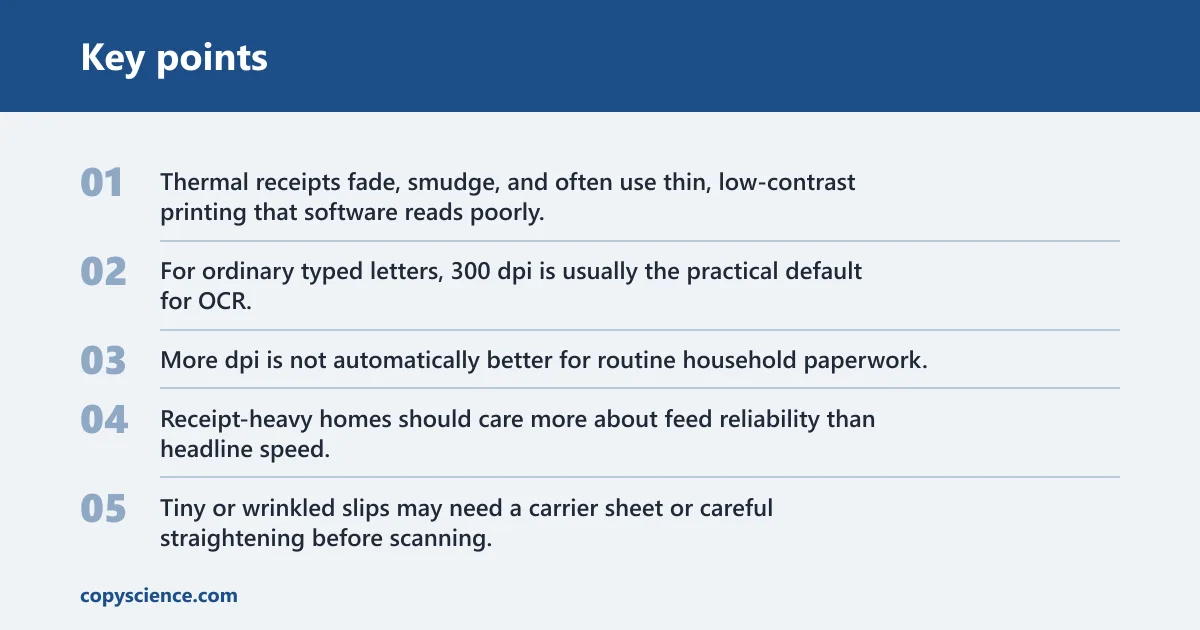
OCR is worth paying for if the goal is searchable PDFs, text extraction, and easier retrieval by merchant, date, or keyword. But OCR accuracy depends on the source. Thermal receipts fade, smudge, and often use thin, low-contrast printing that software reads poorly.
For ordinary typed letters, 300 dpi is usually the practical default for OCR. For faint receipts or tiny print, 600 dpi can help capture more detail, but it also slows the job and creates larger files. More dpi is not automatically better for routine household paperwork.
GNOME Document Scanner can handle basic scanning workflows on Linux, but OCR support depends on the software stack paired with it. That is a useful reminder that hardware alone does not decide whether a receipt becomes a searchable record.
Long receipts, small slips, and carrier-sheet edge cases
Receipt-heavy homes should care more about feed reliability than headline speed. Narrow paper can skew. Very long receipts can misfeed. Tiny or wrinkled slips may need a carrier sheet or careful straightening before scanning.
Suppose a grocery receipt is curled, printed on thermal paper, and 11 inches long. If it enters the feeder off-center, the file may crop the store name or skew the totals enough to hurt OCR. That is why receipt handling is its own buying case, not a footnote under office specs.
File formats and naming workflows that keep records usable
For bills and receipts, the useful output formats are PDF, searchable PDF, image files for attachments, and editable text when the software supports export. A strong workflow lets users reorder pages, merge scans, rename files in batches, and save directly to email or cloud folders.
Look for software that can apply consistent naming, such as date plus document type, before the scan leaves the app. A fast scanner paired with weak filing tools still creates digital clutter.
Which scanner is best if you also want to scan photos at home?
If photos matter as much as documents, a flatbed photo scanner is usually the safer choice because document rollers are built for office paper, not aging prints. A photo-focused feeder can work for certain print archives, but it is still a compromise if fragile, curled, or irreplaceable photos are involved.
Why document rollers can damage or mishandle prints
Document scanners grip paper with rollers designed for predictable office stock. Photos are thicker, glossier, and often more delicate at the edges. That makes misfeeds, skew, surface marks, and corner wear more likely, especially on older prints.
This is where many guides blur two separate jobs. A scanner that is excellent for tax records can still be a bad choice for family photos.
When a flatbed photo scanner makes more sense
If the home project is albums, shoebox prints, postcards, or any image with sentimental value, a flatbed is the safer tool. It avoids roller contact and gives better control over alignment and cropping, though it is much slower for paperwork.
Best compromise if paperwork is still the main job
If paperwork remains the main job and photos are occasional, a document scanner plus a separate flatbed for rare photo sessions is the cleanest split. If buying one device only, an all-in-one with a flatbed is safer for photos than a standard office-style document feeder.
For photo-focused buyers, Wirecutter’s upgrade pick is the Epson FastFoto FF-680W. That pick makes sense for homes with a real photo backlog, but it should not be confused with the best value choice for everyday household documents.
How to choose a home document scanner
Match scanner type to monthly page volume and batch size
Think in pages per month and pages per session, not office duty-cycle language. A household might scan only 120 pages per month, but if 80 of them arrive in one tax-season weekend, that still argues for an ADF and duplex support.
As a rough guide, under 50 pages per month usually favors an all-in-one or portable workflow. Around 50 to 200 pages per month, especially in weekly batches, usually points to a dedicated duplex document scanner. Above that, higher-capacity models start to make sense.
Set speed expectations with ppm, ipm, and duplex ratings
Pages per minute measures sheets. Images per minute measures scanned sides, so duplex scanners often advertise both. A device rated at 25 ppm and 50 IPM is telling you it can capture both sides of 25 sheets in a minute under its stated conditions.
The same source states the ScanJet Pro 4200 s1 scans up to 40 pages and 80 images per minute. Speed like that is useful for bulk home archives, but many households care more about feed reliability, easy start-up, and file handling than saving a minute on a 20-page batch.
At 300 dpi, text jobs usually move faster and produce OCR-ready files. At 600 dpi, expect slower scans and larger files. Reserve the higher setting for faint print, archival needs, or small text where detail matters.
Check OCR quality, searchable PDF support, and software workflow
OCR is worth it when the scanner’s main job is organization, not simple image capture. Searchable PDFs make medical records, tax paperwork, warranties, and school records easier to find. Editable text can help with data reuse, but forms and receipts often need cleanup.
Software deserves the same weight as hardware. Check whether the app supports scan-to-text, scan-to-email, cloud save, page reordering, file naming, and easy rescans of failed pages without rebuilding the whole batch.
Balance USB, Wi-Fi, portability, and desk footprint
USB is often the simplest and most reliable choice for one household computer. Wi-Fi is useful when multiple people scan from different rooms or to shared folders, but it can add setup steps and occasional connection friction. Mobile scanning support matters more when the scanner may be used with an iPhone or Android device instead of a desktop.
Portable scanners trade stack capacity and often feed tolerance for size and storage convenience. Wirecutter’s top portable pick is the Brother ADS-1350W, while its ultraportable pick is the Brother DS-940DW. Those formats fit homes that store the scanner after each use or need USB power for flexible placement.
Use this decision process
- Count your real batches. Look at the last two or three months of paperwork and estimate both monthly volume and the largest single session. This separates occasional scanning from recurring stack work, which is the choice that usually decides whether an ADF is worth paying for.
- Sort by paper type. Separate standard letter pages, duplex forms, receipts, IDs, and photos. Mixed media usually exposes weak spots early, especially for narrow receipts, fragile originals, and anything that should not go through rollers.
- Set your default resolution. Plan on 300 dpi for most text and form OCR, then move to 600 dpi only for faint receipts, tiny print, or image work. This keeps scan times and file sizes in check without sacrificing ordinary document readability.
- Choose your workflow first. Decide whether files need searchable PDF, editable text, email export, cloud save, or simple image capture. A scanner that lands files in the right folder with usable names will reduce clutter more than one with a slightly faster motor.
- Measure the storage spot. Check the desk or shelf where the scanner will actually live, plus whether it can stay plugged in. A scanner that must be unpacked, connected, and configured every time often ends up unused unless portability is the main goal.
- Buy for the failure case. Pick the device that handles the pages most likely to frustrate the household: duplex stacks, thin paper, long receipts, or delicate photos. The best home scanner is the one that avoids the repeated job failure that causes the pile to grow.
Frequently asked questions
What is the best document scanner for home use?
For most homes, the best choice is a duplex sheet-fed scanner with OCR and a moderate ADF, because it handles recurring stacks of forms, bills, and statements with less manual work. A flatbed or all-in-one makes more sense only when scan volume is low or photos are a major priority.
What scanning speed is good for a home document scanner?
A good home speed depends on batch size more than headline numbers. For light household use, moderate speeds are fine if feed reliability is good. For recurring stacks, models around 25 ppm and 50 IPM feel much smoother, while faster 40 ppm and 80 IPM models suit larger backlogs.
Is OCR worth it in a home document scanner?
Yes, if the goal is finding records later instead of merely storing images. OCR turns scans into searchable PDFs and sometimes editable text, which helps with taxes, medical records, and household files. Accuracy drops on faint copies, thermal receipts, and uneven forms, so software quality still matters.