How Does a Double Sided Document Feeder Work for Scanning?

A double sided document feeder scans both sides by moving each sheet past sensors and image arrays; true duplex units do it in one pass, while simple ADFs may need a second pass or manual refeed. Get this wrong, and you waste time, misread specs, and buy a scanner that cannot match your workload. This guide explains the paper path, the difference between ADF, RADF, and flatbed scanning, and how to tell which system you have.
What a document feeder does
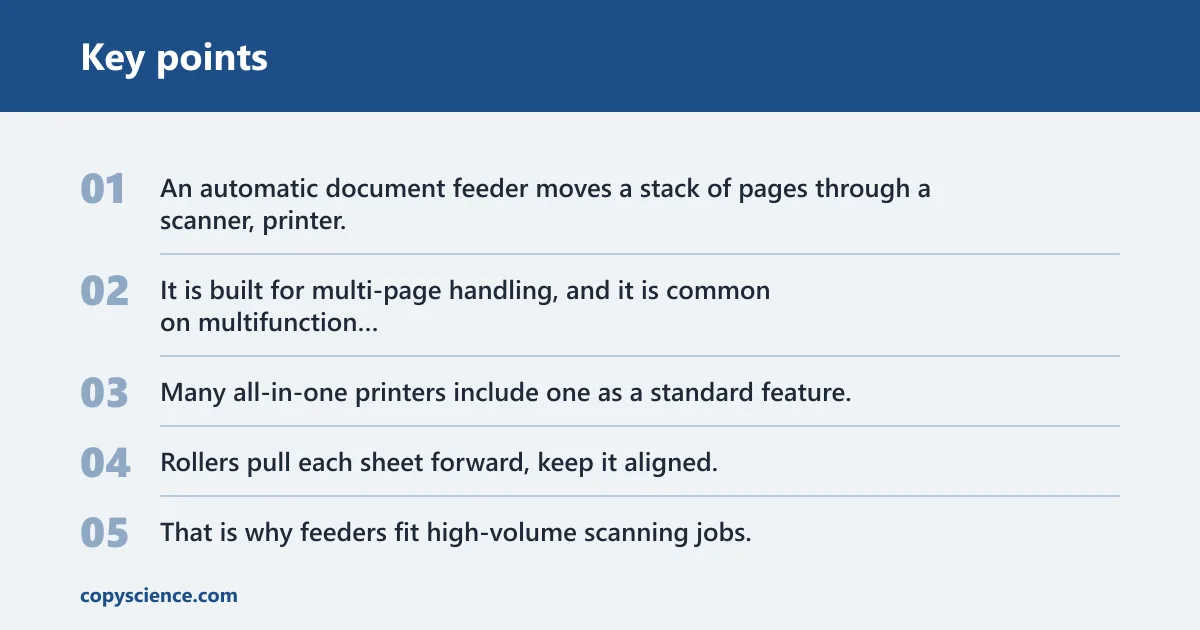
An automatic document feeder moves a stack of pages through a scanner, printer, or copier one sheet at a time. It is built for multi-page handling, and it is common on multifunction printer/scanner/copier/fax units. Many all-in-one printers include one as a standard feature.
The feeder sits above the scanning path. Rollers pull each sheet forward, keep it aligned, and hand it off at the right point so the device can read the page without manual placement on the glass. That is why feeders fit high-volume scanning jobs.
Where feeders appear on office devices
Feeders are found on printers, fax machines, scanners, and photocopiers. The same basic mechanism appears in home office machines and in larger business units. The difference is not the label on the case; it is the paper path inside the machine.
How duplex scanning works
Duplex scanning depends on the paper path. A true duplex feeder captures both sides while the sheet moves through the machine, or it sends the sheet through a reversing path so the second side can be read right after the first. A simple feeder reads one side only.
In a one-pass duplex design, both sides are imaged as the page travels forward. In a reversing automatic document feeder, or RADF, the page is scanned, turned or redirected inside the feeder, then fed back through so the opposite side can be captured. The page may make two trips through the path, but the process is still automated.
Why rollers matter
Rollers are the parts that move the sheet, control speed, and keep the page square in the path. If rollers are worn, dirty, or mismatched to the paper type, you can see skew, misfeeds, or jams. Those problems matter more in duplex work because both sides must stay in registration.
Picture a stack of mixed office pages, each with a printed front and a handwritten back. If the rollers pull one sheet at an angle, the front may scan cleanly while the back arrives shifted or clipped. That is a paper-path failure, not a software problem.
Is your feeder truly duplex?
Start with the label, then check the paper path. A device marked as an ADF may be single-sided or duplex, while RADF usually means reversing automatic document feeder. The real test is whether the machine can capture the second side without you turning the page by hand.
Some scanners say they support duplex scanning in the driver, but that only matters if the feeder path can feed the page again or scan both sides in one pass. If the unit has no internal flip or dual-sensor path, it cannot do true automatic duplex scanning.
How to tell from the paper path
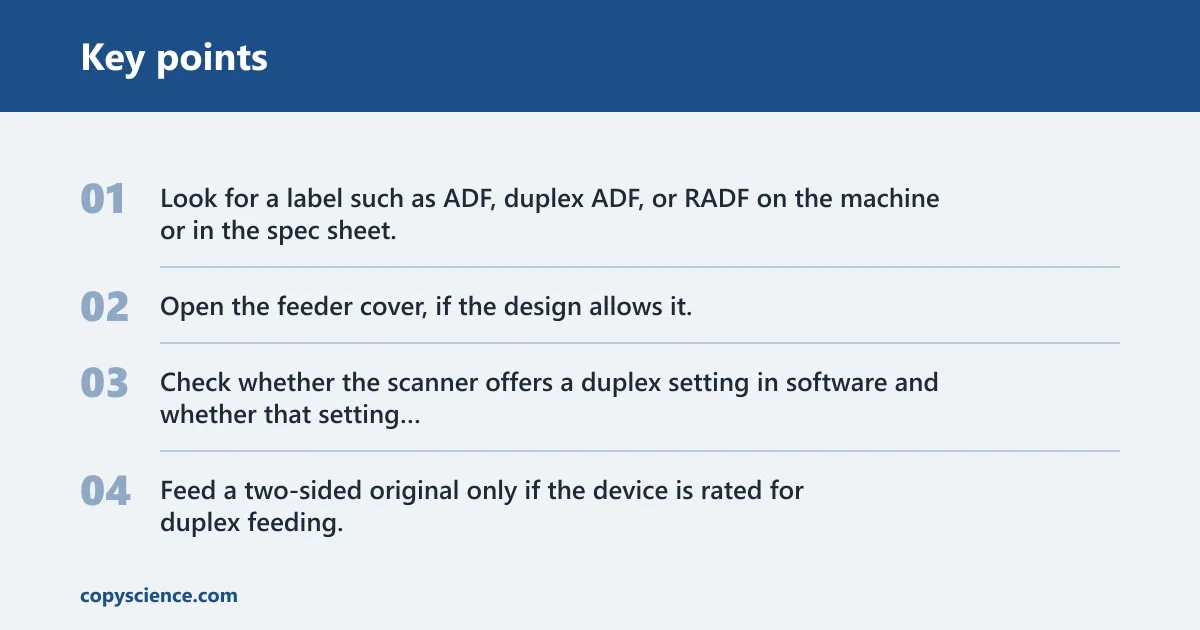
- Look for a label such as ADF, duplex ADF, or RADF on the machine or in the spec sheet.
- Open the feeder cover, if the design allows it, and trace whether the sheet has one scan lane or a path that turns the page back through the feeder.
- Check whether the scanner offers a duplex setting in software and whether that setting is tied to the feeder, not the flatbed.
- Feed a two-sided original only if the device is rated for duplex feeding.
If the sheet enters once and exits once while both sides are captured, the machine has a one-pass duplex path. If it feeds the page in, then sends it back through for the other side, it is using a reversing path. If you must turn the stack over yourself, it is a single-sided feeder.
ADF vs RADF vs flatbed
A regular ADF, sometimes called a single-sided document feeder, reads only one side of each page. A RADF scans both sides by reversing the sheet through the feeder path. A flatbed scanner uses the glass, where you place pages by hand one at a time. (Wikipedia)
The feeder is better for stacks of pages. The glass is better for pages that do not feed well: thick originals, folded sheets, torn edges, receipts, or documents you do not want pulled through rollers. That is why feeders and flatbeds often live in the same multifunction device.
When the glass is the better choice
Use the flatbed when the page is fragile, curled, very thick, or attached to something that should not pass through rollers. A feeder can bend paper slightly as it moves, and that is enough to damage a delicate original or create a skewed scan on a damaged edge.
Suppose a 2-page contract has a sticky note over the top corner and a crease down the center. The feeder may skip the note, grab the crease unevenly, or stop with a jam. The flatbed avoids that paper path altogether.
When to use feeder scanning
Feeder scanning makes sense when you have many pages and want speed. Traditional flatbed scanning could take up to 40 seconds per sheet, while some ultrafast ADFs can scan up to 200 pages per minute. The right choice depends on the paper path, the stack size, and the condition of the originals.
For reports, invoices, forms, and copy jobs, feeder scanning is usually the practical choice. For fragile originals, mixed paper weights, or anything that may fold or tear in rollers, the flatbed is safer.
Common failure modes
Even a duplex feeder can fail to produce a clean two-sided file. A sheet may skew, a roller may slip, or the machine may pull two pages together. When that happens, one side can scan blank, clipped, or offset. Some jobs still need manual cleanup after the scan finishes.
A common first-timer mistake is dropping a mixed stack into a single-sided feeder and expecting two-sided output. The machine will scan the first side, then stop short on the second side because the paper path does not support duplex capture. The result is missing backs, not a software glitch.
Duplex feeder decision table
| Device labeling | Paper path behavior | How many scans per page | Whether pages are flipped internally | Best use case |
|---|---|---|---|---|
| Regular ADF, document feeder, single-sided feeder | Page moves through once and leaves one scan lane | 1 | No | One-sided originals, simple copy jobs |
| Duplex ADF, RADF, reversing feeder | Page is scanned, then reversed or re-fed for the second side | 2 | Yes | Two-sided stacks, office scanning, forms |
| Flatbed scanner | Page stays on the glass; user changes pages by hand | 1 per manual placement | No | Fragile, thick, folded, or damaged originals |
- Check the menu for a duplex scan option, but do not assume that setting means the feeder can do it.
- Look for RADF or duplex ADF in the spec sheet, not only ADF.
- If only one side appears, confirm whether the machine expects manual page flipping.
- Clean the rollers if pages skew or double-feed.
- Use the flatbed for originals that bend, tear, or snag.
Frequently asked questions
How does a double sided document feeder work for scanning?
A double sided document feeder moves each sheet through a paper path that captures both faces. In a true duplex design, the scanner reads both sides in one pass or reverses the page internally for a second pass. The key detail is internal handling, not just a duplex software setting.
What is the difference between an ADF and a duplex ADF?
An ADF feeds pages automatically, but a regular ADF reads one side only. A duplex ADF is often called a RADF and scans both sides without you turning the page by hand. The difference is mechanical: one feeder path handles a single face, the other handles both.
Can an ADF scan both sides of a page automatically?
Only if it is built for duplex scanning. Some ADFs are single-sided, so they need a manual flip or a second pass. If the spec sheet says RADF, duplex ADF, or two-sided scanning, that is a better sign than the word ADF by itself.
Why does my scanner only scan one side of a document?
That usually means the feeder is single-sided, even if the machine has an ADF. Another common cause is a duplex option turned off in the driver. Check the model specs first, then confirm whether the device expects manual page flipping or has a true duplex paper path.
What does RADF mean on a scanner or printer?
RADF means reversing automatic document feeder. It is a duplex-feeding design that scans both sides by sending the page back through the feeder path or through a reversing mechanism. The label matters because it distinguishes a true duplex feeder from a one-sided ADF.
What happens if I put double sided pages in a regular feeder?
A regular feeder usually reads only the front side of each sheet. The backs will be missing unless you scan the stack again after flipping it. That works, but it adds cleanup time and raises the chance of order mistakes, skew, and missed pages.