What Are Refillable Ink Printers and How Do They Work?

Refillable ink printers use built-in ink tanks that are filled from bottles instead of replacing cartridges, and the ink is sent through tubes to the print head. If they are set up poorly, they can leak, clog, or erase savings through maintenance and downtime. This guide explains how the system works, where it fails, and who benefits.
How ink tank systems work
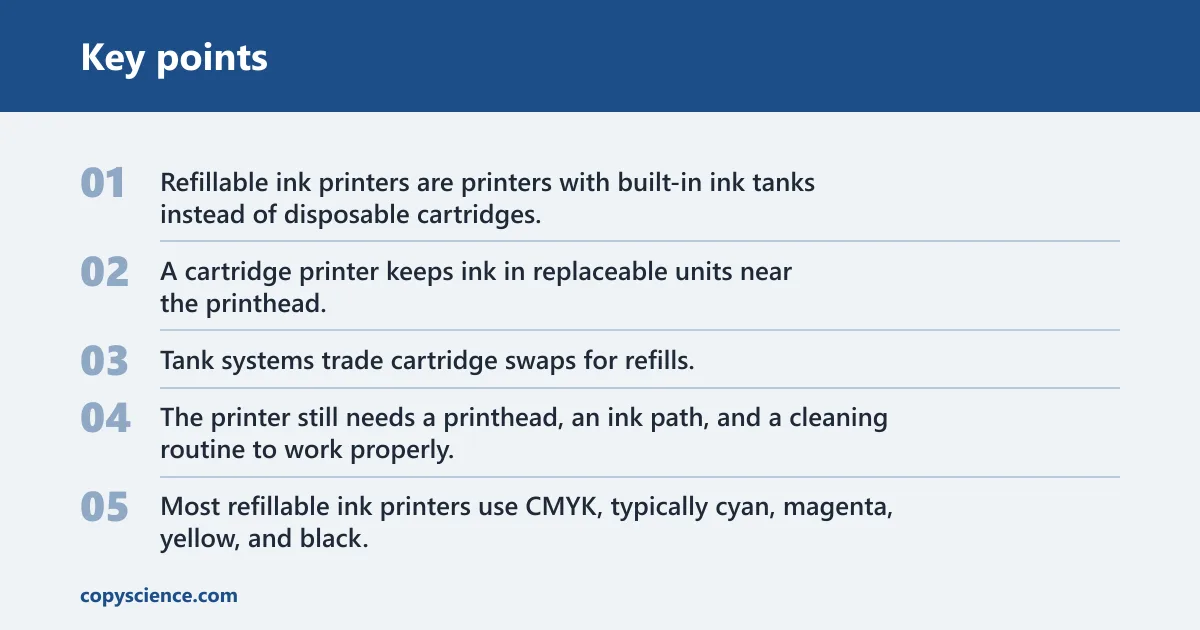
Refillable ink printers are printers with built-in ink tanks instead of disposable cartridges. The tanks hold separate CMYK inks, usually behind visible windows or level indicators, and they are designed for high page yields and lower cost per page than typical cartridge systems.
The key difference is storage and delivery. A cartridge printer keeps ink in replaceable units near the printhead. A tank printer stores larger ink reserves inside the machine and feeds them through tubes, which changes both running costs and maintenance habits.
How an ink tank system differs from cartridges
Tank systems trade cartridge swaps for refills. That lowers waste and usually lowers the cost per page, but it also adds a setup step, more chances for spills, and more dependence on correct ink and regular use. Tanks need maintenance.
Many home and small-office models are all-in-one printers with scanning and copying, but the tank system is the part that matters here. The printer still needs a printhead, an ink path, and a cleaning routine to work properly.
Where CMYK tanks fit into the design
Most refillable ink printers use CMYK, typically cyan, magenta, yellow, and black. That split is standard for home ink tank printers, and some photo-focused models add extra colors for smoother gradients and skin tones.
Separate tanks let you refill only the color that runs low. That is practical, but it also means each color channel has its own failure points if air enters one line or if the wrong bottle is used.
How do refillable ink printers work?
They move ink in three stages: from bottle to tank, from tank through tubing, and from the printhead onto the page as tiny droplets. The printer must prime the system at first setup, and it may need a cleaning cycle after refills or long idle periods.
From refill bottle to tank
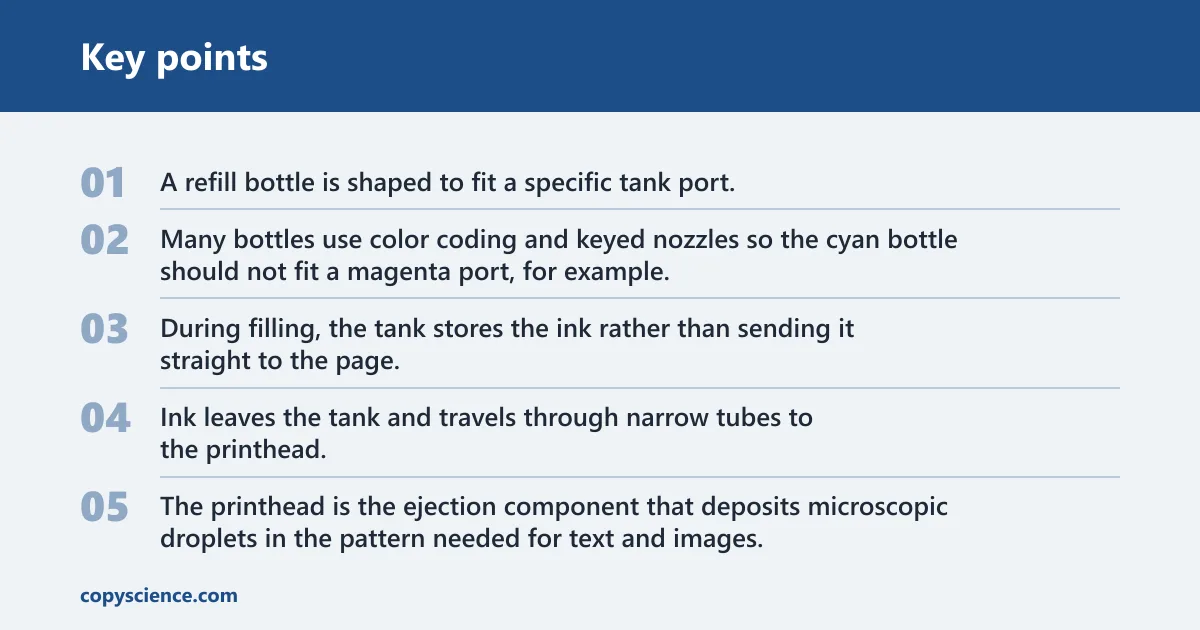
A refill bottle is shaped to fit a specific tank port. Many bottles use color coding and keyed nozzles so the cyan bottle should not fit a magenta port, for example. That design helps prevent mistakes, but it only works if the bottle matches the printer family and ink type.
During filling, the tank stores the ink rather than sending it straight to the page. The visible window or level marker helps you see how much remains, which matters because overfilling can push ink into places it should not go.
From tank to printhead
Ink leaves the tank and travels through narrow tubes to the printhead. The printhead is the ejection component that deposits microscopic droplets in the pattern needed for text and images. Depending on the brand, it may be built into the printer or user-replaceable.
If the printer sits unused, ink in the nozzles can dry. If air gets into the line after a refill or during first setup, the printhead may miss colors, leave banding, or print faint areas until the air clears.
What the primer and charging process does
First setup usually usually includes priming or charging. That process fills the tubes and printhead with ink, and it can use a noticeable amount of ink before the printer is ready for normal output. Some models then run an automatic cleaning pass.
That is why first-fill issues are common. A tank can look full while the lines are still partly full of air. The printer may need one or more cleaning cycles before all colors print correctly.
Ink path troubleshooting table
| Stage | Common symptom | Likely cause | Exact fix |
|---|---|---|---|
| Bottle fill | Ink drips, wrong color enters port, or a tank overflows | Wrong bottle, misaligned nozzle, or filling past the max line | Stop immediately, close the port, wipe spills, and refill only to the printed max mark with the matching bottle |
| Tank level | Level looks normal but prints fade | Air pocket in the tank outlet or partially filled line | Check the tank window, then run the printer’s ink charge or one cleaning cycle if the manual allows it |
| Tube feed | Missing one color, uneven banding, or blank strips | Air in the line, kinked tube, or a poor first fill | Inspect for visible tube kinks, then perform a nozzle check and one cleaning cycle before retrying |
| Printhead ejection | Broken text, speckled photos, or one color absent | Clogged nozzles or dried ink at the head | Run the printer’s head cleaning routine once; if output stays poor, pause and let the head recover before another cycle |
| Cleaning cycle | Ink use rises without obvious printing | Routine maintenance clearing dried ink from nozzles | Use cleaning only when print quality needs it, because each cycle uses ink and adds to running cost |
How do you refill refillable ink cartridges?
Most refillable ink printers do not use refillable cartridges in the old sense; they use tanks. To refill them, you match the correct bottle to the printer family, open the right tank port, and stop at the max fill line. The goal is a clean transfer, not a full squeeze.
- Check the model family. Use the printer’s ink set and series label before buying bottles. A bottle must match both the printer family and the ink type, or you risk poor output or leakage.
- Open one color at a time. Fill only the tank you need, and keep the other ports closed. That lowers the chance of cross-color mistakes and helps you track the fill level clearly.
- Seat the keyed nozzle. Insert the bottle into the matching port until it fits cleanly. Color coding and keyed shapes are there to reduce mix-ups, but you still need to confirm the label before pressing the bottle.
- Stop at the max line. Do not overfill past the printed mark. Extra ink can leak, swell the path, or dirty internal parts during transport and printing.
- Seal and check output. Close the port, wipe any residue, and print a nozzle check. If a color is missing, run one cleaning cycle before you print a full job.
Say your printer shows a half-full black tank after a refill, but the first page has faint text on the left edge. That can mean the tank is fine while the line still has air. A nozzle check and one cleaning cycle are the right next move, not another bottle squeeze.
A common first-timer mistake is filling all colors at once and leaving the ports open while checking ink levels. That raises spill risk and makes it harder to catch a mislabeled bottle before it reaches the wrong tank.
Pigment vs dye ink
Pigment ink is common in office and document-focused tanks. Dye ink is common in photo-oriented tanks. The choice affects text sharpness, color look, water resistance, and how often the printer needs cleaning after idle time.
| Ink type | Documents | Photos | Smudge resistance | Maintenance |
|---|---|---|---|---|
| Pigment | Usually the better fit for black text and office pages | Good for mixed graphics, less often chosen for photo-first work | Typically better water and smudge resistance than dye | Can still clog if unused, but is often preferred for document printing |
| Dye | Fine for general pages, though text durability is usually lower than pigment | Often gives more vivid colors and smoother photo output | Generally less water-resistant than pigment | May need more careful storage and more attention after idle periods |
For home users, the practical question is not which ink sounds better. It is what you print most often. If you mostly print forms, schoolwork, shipping labels, or invoices, pigment-based document systems usually make more sense. If photos matter more, dye-based photo tanks are the better fit.
What can go wrong after refilling ink?
After refilling, the main problems are air in the lines, missing colors, banding, and clogs after inactivity. These issues usually show up at the printhead first, because the head is where the ink path ends and where dried ink causes visible defects.
Air in the lines
Air can enter during first fill, a partial refill, or a sloppy top-off. The printer may still report full tanks, but the page shows weak color or blank stripes because ink is not reaching the nozzles consistently.
Missing colors or banding
Banding means repeated stripes or gaps across a page. Missing colors often point to one channel with a dry or air-filled line. If the problem appears right after a refill, run a nozzle check before changing settings or replacing parts.
Clogs after long idle periods
If the printer sits unused, ink can dry in the printhead. That risk is higher when the machine is powered off for long stretches or left with low-use channels. Document tanks with pigment ink often handle text well, but they still need periodic printing.
When to run a cleaning cycle
Run a cleaning cycle when a nozzle check shows gaps, one color is absent, or print quality drops after a refill. Do not treat it as a routine cure for every problem, because the cycle consumes ink and raises running costs.
Suppose a small office printer sits idle for three weeks and then prints a memo with faint black text and missing cyan in a logo. A nozzle check followed by one cleaning cycle is a reasonable first fix. Repeating cleanings three or four times in a row can waste ink without solving the cause.
Are refillable ink printers worth it?
They are worth it for buyers who print often enough to benefit from the tank system and who can handle a little upkeep. They are less attractive if you print only a few pages a month, want almost no maintenance, or are likely to let the printer sit unused for long stretches.
Best use cases for home users
Home users who print schoolwork, forms, labels, or mixed documents a few times a week can benefit from lower running cost and fewer cartridge swaps. A tank printer also makes sense if the household wants one machine that stays ready for regular use.
Best use cases for small offices
Small offices that print many pages of text and simple graphics are often a strong fit. The separate CMYK tanks and high page yields matter most when the printer is part of a regular workflow and cleaning cycles are unlikely to be wasted on long idle periods.
When a cartridge printer still makes more sense
A cartridge printer can still be the better choice for very light use, limited space, or users who want a simpler swap-and-go routine. If the machine may sit unused for months, the lower up-front convenience of cartridges can outweigh the lower running cost of tanks.
Frequently asked questions
How often do you need to refill the ink?
That depends on page coverage, not just page count. Text pages use far less ink than full-color charts or photos, so a tank may last a long time for documents and much less time for images. The tank windows or level indicators are the best guide.
Can you use third-party ink in a refillable ink printer?
Sometimes, but only if the ink is correct for the printer model and ink type. Third-party bottles can create compatibility problems, and a wrong formula may affect flow, color balance, or clog risk. Model-specific support matters more than the price of the bottle.
How is a refillable ink printer different from a cartridge printer?
A refillable ink printer stores ink in built-in tanks and feeds it through tubes to the printhead. A cartridge printer stores ink in replaceable cartridges that you swap out. Tanks usually reduce cost per page, while cartridges can be simpler for very light or irregular use.
What are refillable ink printers?
They are printers that use built-in reservoirs instead of disposable ink cartridges. The tanks hold separate colors, often CMYK, and the printer moves that ink through internal lines to the printhead. The design is aimed at lower cost per page and higher page yield.
How do you refill ink in printer systems like these?
You match the correct bottle to the printer family, insert it into the keyed port, and stop at the max fill line. After refilling, print a nozzle check and run a cleaning cycle only if the output shows gaps, missing color, or banding.
Are refillable ink printers worth it for home use?
They are usually worth it if you print often enough to use the tanks regularly and you want lower running cost over time. They are less convincing if your printer will sit idle, because clogged nozzles and cleaning cycles can eat into the savings.