Best Copy Paper for Home Printer: How to Compare Options

For most home printers, a common recommendation is 20 lb paper with about 92–96 brightness and enough opacity for double-sided pages; move to 24 lb only if you want a thicker feel or less show-through. Wrong paper can curl, jam, dull text, and waste ink or toner. This guide compares weight, brightness, opacity, finish, printer compatibility, and cost so you can buy the right copy paper for letters, schoolwork, forms, and duplex printing.
Copy paper for home printers: the main trade-off
What changes print quality most
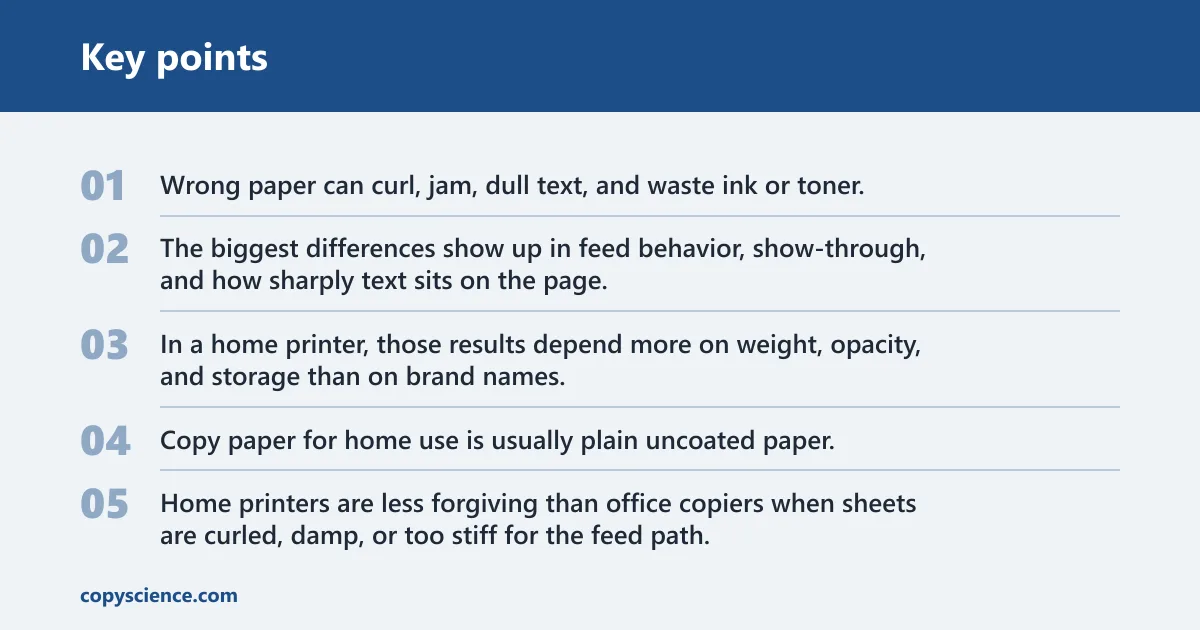
The biggest differences show up in feed behavior, show-through, and how sharply text sits on the page. In a home printer, those results depend more on weight, opacity, and storage than on brand names.
Copy paper for home use is usually plain uncoated paper. That matters because the sheet must move cleanly through the printer, accept toner or ink without smearing, and stay flat enough for duplex printing.
Why home printers care about feed behavior
Home printers are less forgiving than office copiers when sheets are curled, damp, or too stiff for the feed path. A paper that feels only slightly heavier can still change how easily it separates in the tray and how well it turns through rollers.
Copy paper comparison table
| Spec | 20 lb copy paper | 24 lb copy paper | Home-printing outcome |
|---|---|---|---|
| Common use | Everyday letters, schoolwork, single-sided forms | Reports, duplex pages, documents you handle often | 24 lb usually feels sturdier and shows less bleed-through |
| Typical basis weight / gsm | About 75 gsm | About 90 gsm | Higher gsm usually means more stiffness and thickness |
| Thickness and stiffness | Lighter, more flexible | Thicker, stiffer | Stiffer paper can improve handling but may raise feed resistance in some trays |
| Duplex readability | More likely to show print from the other side | Better at reducing show-through | 24 lb helps double-sided text stay readable |
| Brightness bands | Often 92–96 | Often 92–100 | Higher brightness can increase perceived whiteness and text contrast |
| Opacity | Often lower than 24 lb at the same price tier | Usually higher | Higher opacity is better for charts and duplex printing |
| Recycled content | Common in office-style options | Also available, but sometimes whiter versions cost more | Recycled content supports sustainability; whiteness may be a bit lower |
| Cost per sheet | Usually lower | Usually higher | For frequent printing, the cost gap matters more than the ream price alone |
What paper weight should you choose?
For home printing, 20 lb is the default if you print mostly single-sided pages and want the lowest cost per sheet. Choose 24 lb when you print duplex pages, want less show-through, or want a thicker page that feels less flimsy in reports and packets.
20 lb vs 24 lb
Twenty-pound copy paper is common because it feeds easily and keeps costs down. Twenty-four-pound paper is thicker and stiffer, which helps when you want a page that handles more like a presentation handout than a basic draft sheet.
The trade-off is simple. Lighter paper is usually easier on the budget, while heavier paper tends to improve duplex readability and reduce curl, especially in multipage documents.
How weight affects duplex printing and jam risk
Duplex printing places more demand on flatness and stiffness. A 24 lb sheet often stays flatter after printing, which can reduce curl and improve back-side readability, but very stiff stock can be less forgiving in some compact home printers if the tray is already near capacity or the paper is damp.
For most letter-size home printers, weight alone is not the main jam trigger. Curl, dust, humidity, and overfilled trays usually cause more trouble than a moderate move from 20 lb to 24 lb.
Weight, sheet count, and cost per sheet
Copy paper is commonly sold in 500-sheet reams. The ream count is usually the same for 20 lb and 24 lb paper, but the heavier stock usually costs more per sheet. If you print a lot of drafts, the lower per-sheet cost of 20 lb adds up faster than a small difference in ream price.
For duplex jobs, think in cost per usable page instead of cost per sheet. A heavier sheet can be worth a little more if it avoids show-through that makes a two-sided page hard to read.
Which brightness is best for home printing?
For most home documents, brightness in the 92 to 96 range is the sweet spot. It gives clear text contrast and a clean white appearance without paying extra for the very brightest sheets, which often matter more for premium handouts than for everyday letters and schoolwork.
Brightness bands from 92 to 100
Brightness is usually listed on a 100-point scale. A 92-brightness sheet can print perfectly well for forms and drafts, while 96 or 98 can look whiter on the page and make black text feel sharper. At the high end, the visual gain is smaller than the price jump on many brands.
Text contrast and perceived whiteness
Higher brightness can make text look darker by contrast, even when the toner or ink is unchanged. That effect is most noticeable on reports, outlines, and printed packets with narrow margins or small type. It does not automatically mean better paper.
Very bright paper can be useful when you need a cleaner presentation for resumes, certificates, or school hand-ins. For everyday household printing, 92–96 brightness is usually enough.
When higher brightness is worth paying
If the page will be filed, handed out, or printed with fine text and small charts, brightness above 96 can be worth the extra cost. If the page is a quick bill, worksheet, or draft, that extra brightness rarely changes the result enough to justify a higher price.
How do opacity and finish change results?
Opacity matters most when you print on both sides. A higher-opacity sheet hides more of the front-side image from the back side, which keeps dense text and charts easier to read. Finish matters too: a smooth, uncoated surface is the standard choice for plain text documents.
Opacity for double-sided printing
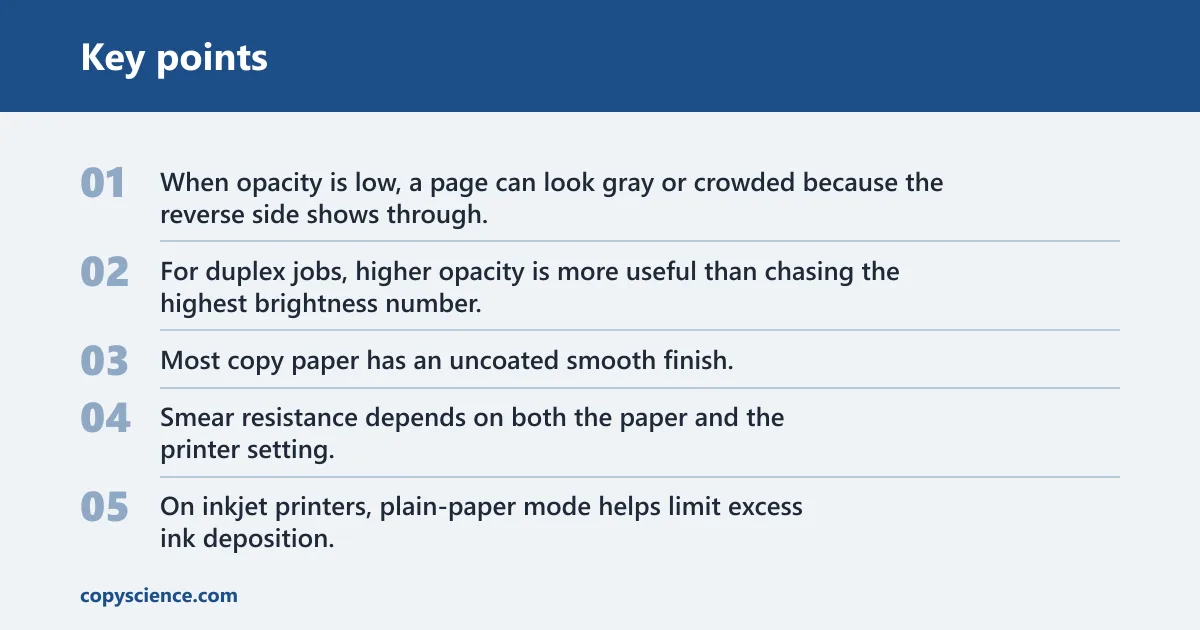
When opacity is low, a page can look gray or crowded because the reverse side shows through. That problem gets worse with dense text, tables, and shaded boxes. For duplex jobs, higher opacity is more useful than chasing the highest brightness number.
If your household prints worksheets, manuals, or packets with both sides used, opacity should be near the top of your checklist.
Uncoated smooth finish and ink behavior
Most copy paper has an uncoated smooth finish. That finish helps plain text look crisp and lets toner sit cleanly on the surface. On inkjet printers, it also helps ink soak in at a predictable rate, which supports faster drying than glossy or coated stock.
This is why copy paper is the right choice for letters, forms, meeting notes, and school documents. It is not built for photo-like color depth.
Smear resistance for plain text documents
Smear resistance depends on both the paper and the printer setting. On inkjet printers, plain-paper mode helps limit excess ink deposition. On laser printers, a paper rated for the printer’s fuser temperature reduces the risk of curl or toner offset.
Say your school packet includes dense text on both sides. A 24 lb, higher-opacity sheet usually keeps the back side easier to read and is less likely to feel flimsy in a backpack.
Printer compatibility: laser, inkjet, or all-purpose?
For most homes, all-purpose copy paper is enough if the package lists compatibility with both laser and inkjet printers. The main difference is how the paper handles heat in a laser printer versus how it absorbs liquid ink in an inkjet printer. Check the label before you buy.
Laser paper basics
Laser printers use heat to fuse toner to the page. Paper for laser use should tolerate that heat without curling badly or releasing too much moisture. If the package says laser-compatible or all-purpose, it is usually safe for ordinary home laser printing.
Inkjet paper basics
Inkjet printers need paper that can absorb liquid ink without smearing or feathering too much. Plain copy paper can work well for text on an inkjet, especially in normal or draft modes. If the paper is too thin or too smooth for the printer’s settings, drying time can increase.
When all-purpose copy paper is enough
For ordinary letters, forms, school assignments, and household records, all-purpose copy paper is usually the easiest buy. It keeps storage simple and avoids the need to separate paper by printer type unless you print photos, envelopes, or specialty media.
What paper size and finish work best for everyday documents?
US letter size, 8.5 x 11 inches, is the right default for most home printing in the United States. Use A4 if your printer and documents are set up for international paper sizes. Legal size only makes sense when you need the extra length for contracts, forms, or specific administrative documents.
Letter, A4, and legal size
Letter is commonly used as the standard home size in the US. A4 is close in size but not the same, so choose the size your printer tray and software expect. Legal paper is longer and can jam or misfeed if you load it when you do not need that length.
Finish for everyday documents
A smooth, uncoated finish is the best fit for standard documents. It gives predictable feed behavior and balanced ink absorption. Coated finishes are for specialty work, not ordinary copy jobs.
Is recycled copy paper good for printing at home?
Yes. Recycled copy paper can work very well at home, especially for office-style documents, school forms, and drafts. The main trade-off is that higher recycled content can sometimes reduce whiteness or brightness slightly, so you may need to choose a better brightness band if appearance matters.
Post-consumer content and the trade-off
Recycled paper often lists a post-consumer content percentage. Higher percentages can support sustainability goals, but they do not always match the whitest or smoothest non-recycled options. That difference is usually small enough that many home users never notice it in plain text printing.
Best use cases for recycled paper
Recycled paper is a practical choice for invoices, school handouts, drafts, and household records. If you need crisp presentation pages or the highest contrast for dense tables, compare the brightness and opacity numbers instead of assuming every recycled sheet will behave the same.
How do I stop printer paper from jamming at home?
Most home paper jams come from bad storage, too much paper in the tray, or the wrong size setting, not from one brand name. Keep the paper flat and dry, match the tray guide to the sheet size, and avoid loading warped or curled stacks.
- Check the paper size. Load letter, A4, or legal only if the tray and print settings match. A size mismatch can cause skewed pickup and repeated misfeeds.
- Fan the stack lightly. Separate the sheets before loading so they do not cling together. This helps the pickup roller grab one sheet at a time.
- Use a smaller stack. Do not overfill the tray. A lower stack puts less pressure on the feed rollers and reduces double-feeds.
- Store paper flat and dry. Keep the ream in its wrapper until needed and avoid humid rooms or floor storage. Moisture causes curl, and curl causes feed problems.
- Match the printer mode. Select plain paper or normal paper in the driver. That setting can change feed speed, fuser temperature, and ink use in ways that affect jams and drying.
A common first-timer mistake is leaving a ream open near a kitchen or laundry area. A few damp sheets can curl just enough to cause repeated misfeeds on an otherwise normal printer.
How much should I spend on copy paper for home use?
Spend enough to match the job, not enough to overbuy features you will never use. For everyday printing, the better question is cost per usable page. A slightly more expensive sheet can be the cheaper choice if it cuts show-through on duplex pages and reduces wasted reprints.
Cost per sheet versus cost per usable page
Compare the ream price by sheet count first, then think about how many pages you can actually use. For single-sided drafts, lower-cost 20 lb paper usually wins. For double-sided school packets or reports, a 24 lb sheet can deliver more usable page quality even if the ream costs more.
Budget guidance by use case
If you print rarely, basic all-purpose copy paper with 92 to 96 brightness is usually enough. If you print often, it is worth paying a little more for a paper that feeds cleanly and stays flat. If your pages are filed for records, acid-free paper may be worth the extra cost.
Choose 20 lb if this is your priority / Choose 24 lb if this is your priority
Choose 20 lb if you want the lowest cost per sheet, print mostly single-sided pages, and do not need much stiffness. Choose 24 lb if you print duplex pages often, want less show-through, or want a more substantial feel for reports, forms, and documents you keep or hand out.
Choose 20 lb if…
- You print mostly drafts, worksheets, and single-sided letters.
- Low price per sheet matters more than page feel.
- Your printer already feeds thin paper cleanly and you do not need extra opacity.
Choose 24 lb if…
- You print double-sided pages and want better back-side readability.
- You want less curl and a stiffer sheet for reports or packets.
- You can pay a little more per sheet for better usable-page quality.
Choose recycled or acid-free paper if…
- You want recycled content for routine office-style documents.
- You need acid-free paper for records, certificates, or documents meant to last longer in storage.
- You understand that acid-free is about paper life, not photo-paper performance.
Frequently asked questions
What is the best copy paper for a home printer?
For most homes, a common starting point is 20 lb paper with about 92–96 brightness and decent opacity. That combination feeds easily, prints clean text, and keeps cost per sheet under control. Move to 24 lb only if you need better duplex readability or a thicker feel.
Is 20 lb or 24 lb paper better for home printing?
Neither is always better. Twenty-pound paper is usually the better value for single-sided printing and everyday drafts. Twenty-four-pound paper is better when you print double-sided pages often, want less show-through, or prefer a sturdier sheet that feels less flimsy.
What brightness is best for copy paper?
Brightness between 92 and 96 is the practical sweet spot for most home printing. It gives good text contrast and a clean white look without paying extra for very bright sheets that offer only a small visual gain on ordinary documents.
Should I buy laser paper or inkjet paper for my home printer?
Buy paper labeled for your printer type or marked all-purpose if you use both. Laser paper should tolerate fuser heat; inkjet paper should absorb liquid ink without smearing too much. For plain text, many all-purpose copy papers work well in both.