
Best Printer Without Subscription for Home Use: What to Look for

Choose a subscription-free home printer by matching it to your monthly page count: low-volume homes usually do best with a cartridge inkjet that accepts standard cartridges, while heavier users often save more with an ink-tank model. Ignore this, and you can pay far more for ink than for the printer itself. This guide explains what to compare in consumables, print volume, and total cost of ownership before you buy.
What counts as a subscription-free printer?
A subscription-free printer does not require a monthly ink or toner plan to print. It should accept standard consumables, allow basic printing without paid access, and avoid setup terms that turn normal use into a service. Check the box, setup screens, app terms, and firmware notes before you trust the label.
Where lock-in can hide
The risk is not only on the shelf label. Some printers push optional ink plans during setup, ask for account sign-in before the first print, or bury service terms in the app. A printer may work without a plan, but the same model can still nag for enrollment or steer you toward a paid subscription later.
- Check the printer terms. Read the setup page, app permissions, and service wording before buying. Look for language that says basic printing works without a recurring fee.
- Confirm the consumable path. Make sure the printer uses standard cartridges, toner, or refill bottles that you can buy without joining a plan. That keeps the device usable if you skip optional services.
- Look for service prompts. Search the manual or product page for account sign-in, cloud registration, or firmware-linked features. These are common places where subscription lock-in appears after purchase.
Which printer type fits your home?
Pick the printer type from your actual print mix, not the sticker price. Inkjet fits mixed text and color jobs. Laser fits frequent black-and-white pages. Refillable tank models make sense when you print enough that cartridge cost would climb fast. No single type is best for every home.
Inkjet, laser, and tank at a glance
An inkjet printer is usually the most flexible choice for home documents and color pages. A laser printer is usually the better fit for high-volume text, because toner tends to cost less per page for black-and-white output. A refillable ink tank system can lower ink cost for households that print often enough to justify a higher purchase price.
- Choose inkjet for mixed homework, forms, tickets, and occasional color pages.
- Choose laser for frequent text-only pages, shipping labels, and dense document piles.
- Choose tank when monthly print volume is high enough that cartridge replacements would add up quickly.
Say your home prints 20 pages a month, mostly permission slips and return labels. A cartridge inkjet is often the safer fit because the machine sits idle much of the time and the upfront price stays lower. If that same household jumps to 200 pages a month, a tank model may become the better long-term buy because consumable cost matters more than the first payment.
How much will it cost to run?
Long-term cost depends on consumables, not only on the printer box price. Use manufacturer page yield claims to estimate cost per page, and check black and color separately. A cheap printer can become expensive fast if its standard cartridges run out after only a few hundred pages.
Use page yields correctly
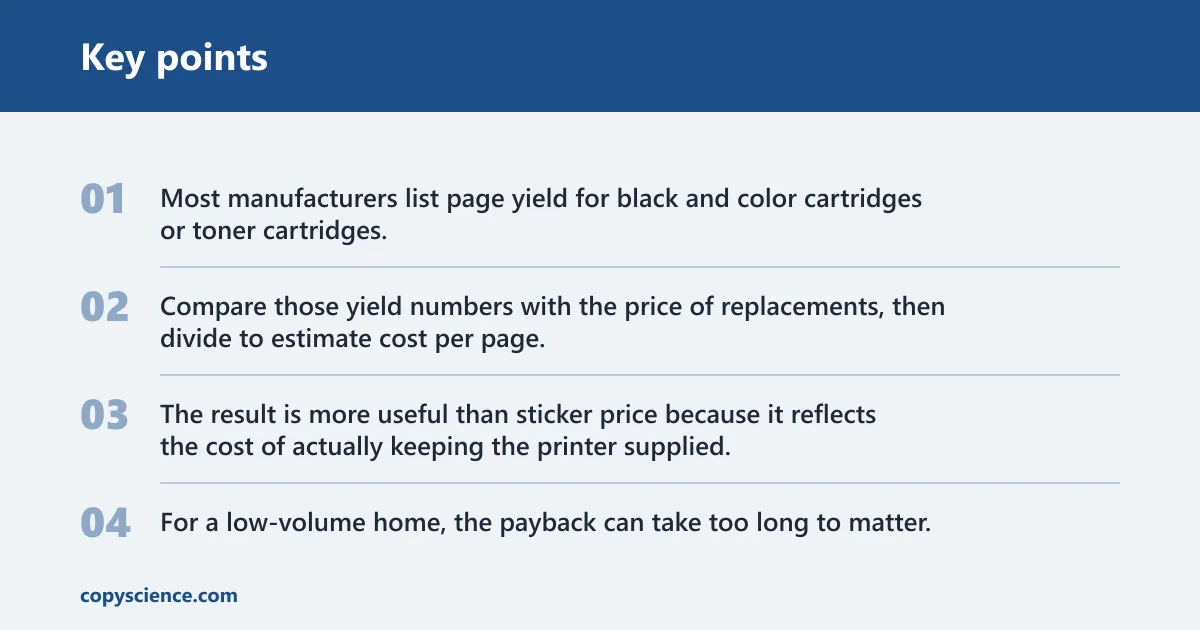
Most manufacturers list page yield for black and color cartridges or toner cartridges. Compare those yield numbers with the price of replacements, then divide to estimate cost per page. The result is more useful than sticker price because it reflects the cost of actually keeping the printer supplied.
| Consumable example | Listed yield | Cartridge price | Estimated cost per page | Best fit |
|---|---|---|---|---|
| Standard black cartridge | 200 pages | $20 | 10.0 cents | Light home use |
| High-yield black cartridge | 600 pages | $35 | 5.8 cents | Moderate text printing |
| Color set, standard yield | 150 pages per color | $30 for the set | 20.0 cents per page | Occasional color pages |
| Black toner cartridge | 1,200 pages | $45 | 3.8 cents | Frequent black-and-white printing |
When higher upfront cost makes sense
A refillable tank printer usually costs more to buy, but the ink bottles can bring the running cost down if you print often. That tradeoff matters most for school families, remote workers, and any household that prints every week. For a low-volume home, the payback can take too long to matter.
Home printer decision matrix
This decision matrix maps household type to the printer setup that usually fits best. Use it to match volume, document mix, and maintenance tolerance before you compare models. The common mistake column matters as much as the recommended architecture.
| Household type | Best printer architecture | Required features | Likely consumable type | Most common mistake to avoid |
|---|---|---|---|---|
| Occasional | Cartridge inkjet | Wi-Fi, mobile printing, basic scanning if needed | Standard cartridges or high-yield cartridges | Buying a tank model that sits idle and dries out |
| School-family | All-in-one inkjet or tank model | Duplex printing, scanning, copying, Wi-Fi | High-yield cartridges or refillable tanks | Ignoring paper capacity and duplex printing |
| Remote worker | Laser all-in-one or tank inkjet | Duplex printing, reliable mobile print support, scanner | Toner for text-heavy work, or tanks for mixed pages | Choosing by upfront price instead of black-page cost |
| Photo-heavy | Photo-capable inkjet | Color accuracy, media handling, Wi-Fi, mobile printing | Color cartridges or photo ink system | Buying a text-focused laser and expecting photo output |
What features matter at home?
The most useful home features are duplex printing, enough paper capacity, Wi-Fi, and support for phone printing through AirPrint, Mopria, or a vendor app. An all-in-one adds scanning and copying, which helps families and home offices, but it also adds size and cost. Print-only machines stay simpler.
Duplex and paper handling
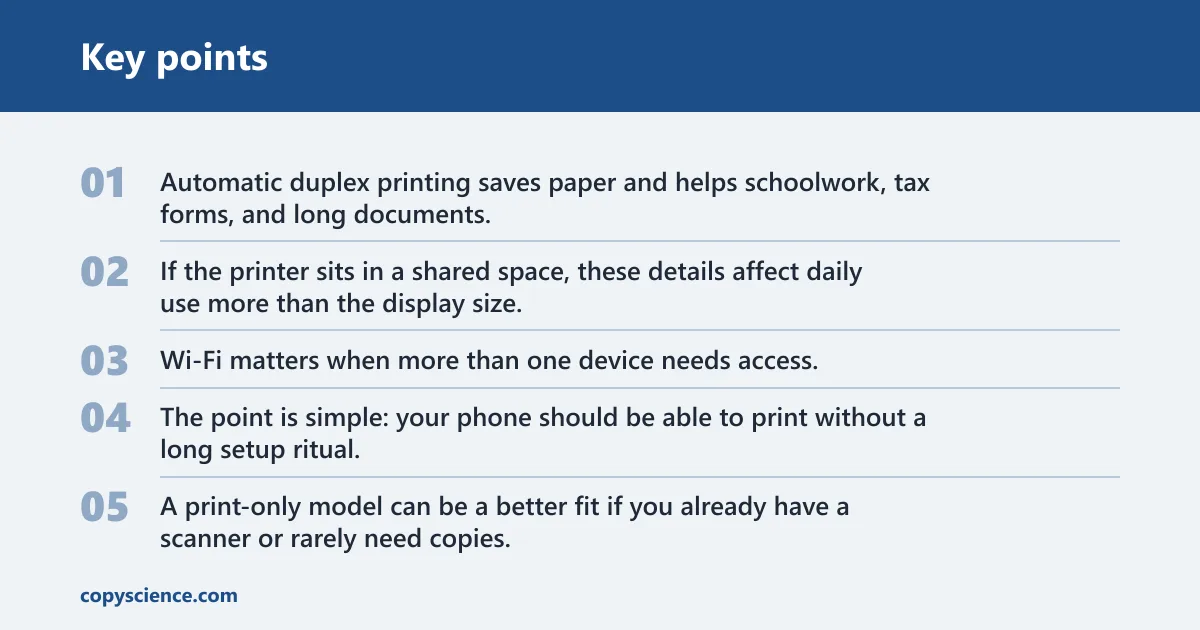
Automatic duplex printing saves paper and helps schoolwork, tax forms, and long documents. For a busy household, paper handling matters too: a small tray can mean frequent refills, while a larger tray cuts interruptions. If the printer sits in a shared space, these details affect daily use more than the display size.
Wi-Fi and mobile printing
Wi-Fi matters when more than one device needs access. Look for AirPrint if you use Apple devices, Mopria if you want broad Android and Windows support, or a vendor app if the setup is clean and the app does not force a paid account. The point is simple: your phone should be able to print without a long setup ritual.
All-in-one or print-only
An all-in-one printer is often the better home choice if you scan school forms, copy documents, or need a flatbed for IDs and receipts. A print-only model can be a better fit if you already have a scanner or rarely need copies. Do not pay for extra hardware you will not use.
What should you check before buying?
Before you buy, confirm replacement supplies, setup terms, and firmware behavior. A printer can look subscription-free and still require account sign-in, app registration, or service prompts after setup. Availability of ink or toner also matters, because a cheap model is a poor choice if replacements are hard to find later.
- Verify supply availability. Check whether standard cartridges, toner, or refill bottles are easy to buy from more than one seller. That lowers the risk of getting stuck with one costly supply channel.
- Review setup requirements. Look for account creation, app registration, and cloud permissions before purchase. Basic printing should work without a paid plan or a mandatory service signup.
- Check firmware and app terms. Search the product support pages for subscription prompts, feature limits, or app-only controls. These details can change the ownership experience after setup.
A common first-timer mistake is buying a printer with a low sticker price, then discovering that its black cartridge yields only 200 pages and the app keeps prompting for a plan. The machine may still print, but the real cost and hassle are both higher than expected.
Maintenance and ownership realities
Low-use homes need to think about maintenance, not only output quality. Ink can dry in cartridge and tank printers if the device sits untouched for long stretches. Laser printers avoid dried liquid ink, but toner storage, replacement timing, and supply access still matter over the long run.
Ink drying in low-use homes
If you print only every few weeks, an inkjet may need more attention. A nozzle check or occasional test page can help keep ink moving, and some printers are better at this than others. Tank models can be cost-effective, but they still depend on regular use and proper maintenance.
Toner storage and supply access
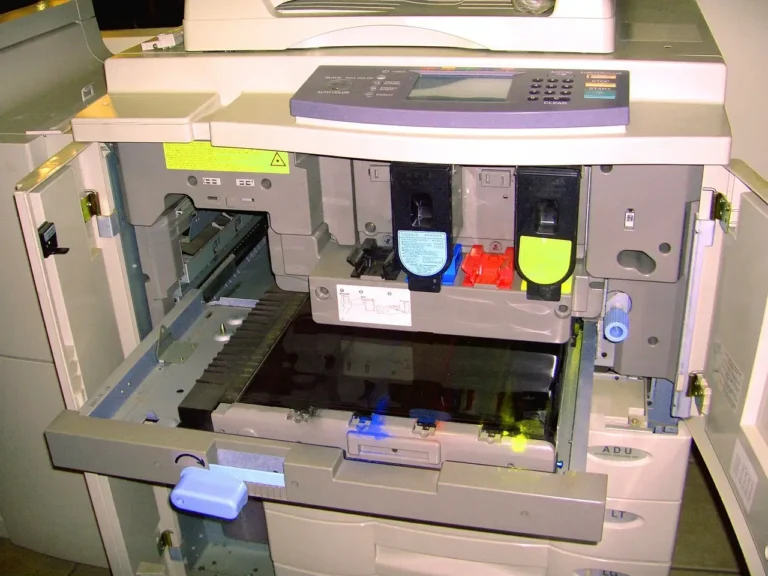
Laser printers handle infrequent use better because toner is a dry powder. That makes them a practical choice for homes that print mostly text and do not want liquid ink maintenance. Even so, check that toner replacements are available without a subscription and without forcing a bundled service account.
Frequently asked questions
What should I look for in a printer without a subscription for home use?
Look for a printer that prints basic pages without a paid plan, uses standard cartridges or toner, and does not lock normal printing behind account sign-in. Then compare page yield, Wi-Fi support, duplex printing, and replacement supply availability. Those details tell you more than the box label does.
Is an inkjet or laser printer better without a subscription?
Inkjet is usually better for mixed text and color, while laser is usually better for frequent black-and-white pages. If your home prints photos or color homework, inkjet fits more naturally. If you mostly print text and want lower black-page cost, laser is often the stronger choice.
How do I know if a printer requires an ink subscription?
Check the setup screens, app terms, and printer support pages for monthly plan prompts, account requirements, or feature limits tied to enrollment. A printer can be sold as subscription-free and still push an optional plan during setup. If basic printing works only after signup, that is a warning sign.
What features matter most for family or household printing?
Duplex printing, Wi-Fi, mobile printing, and enough paper capacity matter most for family use. A scanner and copier are useful if you handle school forms or home-office documents. For many homes, those practical features matter more than fast print speed or a large display.
Are printers without subscriptions cheaper to run long term?
They can be, but only if the consumables have a good page yield and the printer matches your print volume. A cheap printer with expensive cartridges can cost more over time than a pricier tank or laser model. Compare black and color cost per page before choosing.
Should I buy a printer with refillable tanks instead of cartridges?
Buy a tank model if you print often enough that cartridge cost would add up fast. Tanks usually have a higher upfront price, but they can lower running cost for weekly or heavy home printing. For very light use, cartridges are often simpler and less risky.
How can I avoid printers that lock features behind a subscription?
Read the setup and app terms before purchase, and look for wording that makes printing depend on a paid plan or account enrollment. Choose models that support standard consumables and basic printing without cloud registration. Then verify that replacement ink or toner can be bought freely after setup.