Which Label Maker Tapes Are Compatible with Brother Models?

Brother label makers use the tape family specified by the model; many P-touch units take TZe or older TZ cartridges, while QL models use DK rolls, and the cartridge code needs to match. Get the wrong family, and the tape will not fit, feed correctly, or print at all. This guide shows how to identify your Brother model, tape family, width, and cartridge code before you buy replacement tape.
Brother tape compatibility basics
Compatibility starts with the exact Brother model or series, not the Brother name alone. A P-touch machine, an older M-tape unit, and a QL printer do different jobs and use different media. Start with the model number, then check the tape family, then confirm the supported width and cartridge code.
Brother label makers use cartridges matched to the printer series. That matters because the cartridge shell, tape family, and sensing features all have to match what the printer expects. If any one of those is wrong, the machine may reject the cartridge, feed poorly, or print offset labels.
Why the model number matters
The model number is the fastest way to narrow the tape family. Some Brother P-touch models accept TZe laminated cartridges, older models use TZ or M tape, and QL printers use a separate media format. The tape can look similar in a photo and still be wrong for the machine.
If you only know the printer brand, stop there. If you know the model number, you can usually confirm the correct family in the manual, on the printer label, or on the old cartridge itself.
Which Brother tape families fit your machine?
Brother does not use one universal tape system across all label makers. Many P-touch models use TZe tape, and many of those models also accept newer TZe cartridges in place of older TZ cartridges, while older Brother units may require M tape or earlier TZ cartridges, and QL printers use DK media instead of standard P-touch cartridges. The family has to match the printer series.
TZe tape and common P-touch models
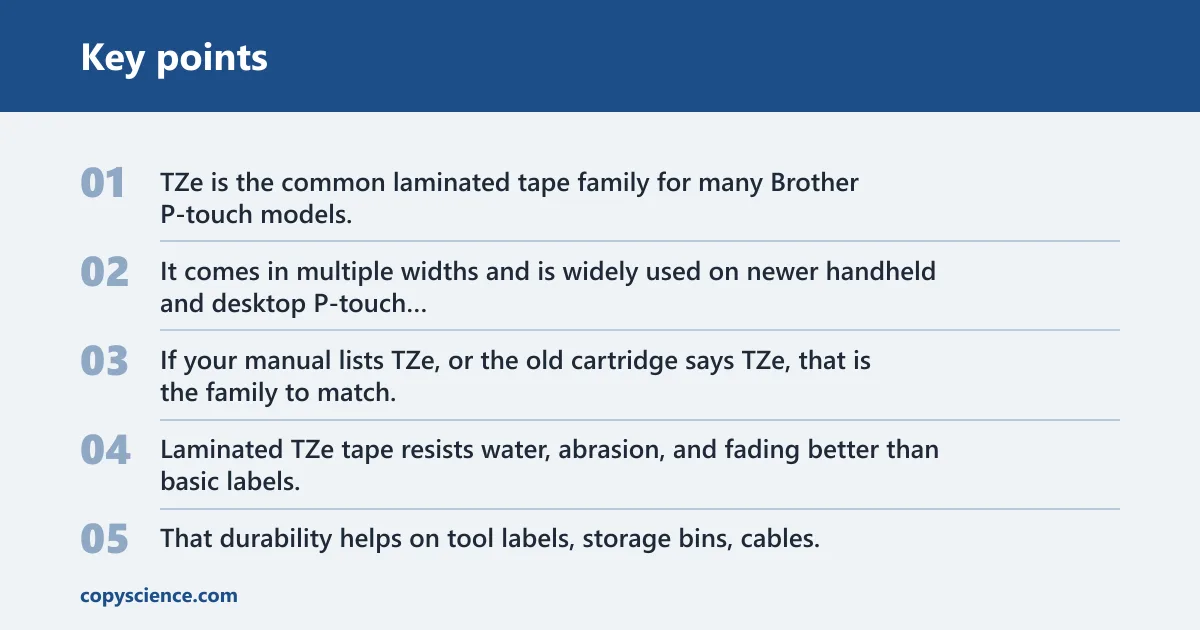
TZe is the common laminated tape family for many Brother P-touch models. It comes in multiple widths and is widely used on newer handheld and desktop P-touch units. If your manual lists TZe, or the old cartridge says TZe, that is the family to match.
Laminated TZe tape resists water, abrasion, and fading better than basic labels. That durability helps on tool labels, storage bins, cables, and other spots where the label gets handled often. Not every Brother model supports laminated cartridges, so the manual still matters.
M tape and older Brother units
M tape is an older Brother format tied to specific older machines. It is not interchangeable with every newer Brother cartridge. If a machine was built for M tape, a TZe cartridge may not fit or feed correctly, even if the width appears similar.
Use the old cartridge code or the manual to confirm the exact series before buying a replacement. Older Brother units are where compatibility mistakes happen most often, because the cartridge shell can look close enough to mislead a quick online search.
Why QL printers need different media
Brother QL label printers are a separate product line. QL printers generally do not use standard P-touch tape cartridges. Instead, they use DK label rolls or other QL-specific media formats that fit the QL mechanism and print path.
That means a P-touch tape package is the wrong buy for a QL printer, even if the brand is Brother on both products. Treat QL as its own category and check the media code before ordering.
What tape width does your Brother model need?
Tape width must match the machine’s supported width. Common Brother widths include 3.5 mm, 6 mm, 9 mm, 12 mm, 18 mm, and 24 mm. A printer may support only a few of those sizes, so the width on the cartridge must match what the model accepts.
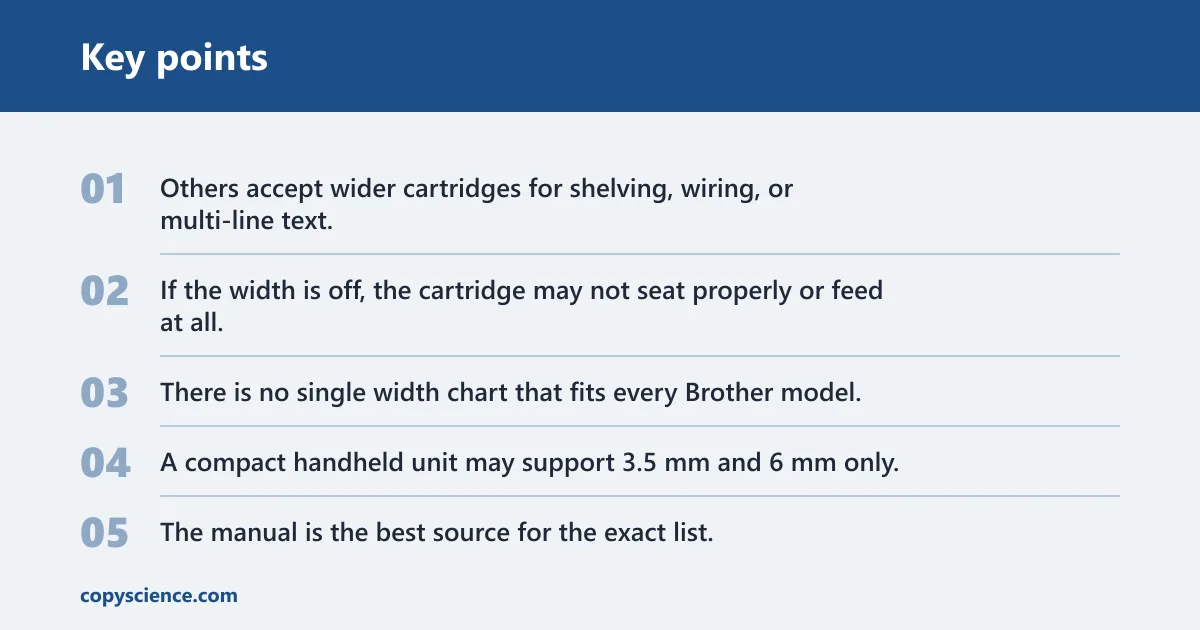
Some machines print only narrow labels. Others accept wider cartridges for shelving, wiring, or multi-line text. If the width is off, the cartridge may not seat properly or feed at all.
Common widths by Brother series
There is no single width chart that fits every Brother model. A compact handheld unit may support 3.5 mm and 6 mm only, while larger P-touch models may accept 12 mm, 18 mm, or 24 mm cartridges. The manual is the best source for the exact list.
| Brother model series | Tape family | Supported widths | Cartridge code clues | Buy/no-buy decision |
|---|---|---|---|---|
| Most newer P-touch handheld and desktop models | TZe laminated tape | Often 3.5 mm, 6 mm, 9 mm, 12 mm; some also accept 18 mm or 24 mm | Look for “TZe” plus a width code, such as TZe-231 or TZe-251 | Buy only if the code and width match the manual |
| Older Brother label makers | M tape or older TZ formats | Model-specific; often narrower widths on older units | Old cartridge label, manual, or printer faceplate may list M or TZ | No-buy until the exact series is confirmed |
| Brother QL label printers | DK media, not P-touch tape | Roll and label sizes differ from P-touch widths | Code usually starts with DK, not TZe or M | No-buy for standard P-touch tape cartridges |
| Third-party replacements for compatible P-touch models | Aftermarket TZe-compatible or model-specific equivalent | Must match the printer’s supported width | Check the full compatibility statement, not just the Brother brand name | Maybe if the family, width, and cartridge shell match |
How to read the cartridge code
The cartridge code is the fastest check before you order anything. It can appear on the old cartridge, in the manual, or on a label inside the printer. If the code matches, you have a better chance of getting the right fit than by relying on the printer name alone.
Where to find the code on the old cartridge
Look for a printed alphanumeric code on the cartridge shell. It often includes the tape family and width together, such as a TZe code followed by numbers that identify the width and color combination. That code is the best shopping reference if the old cartridge is still readable.
Where to find the code in the manual or on the printer
Many Brother manuals list the supported cartridge family and widths in the specifications section. Some printers also have a model label or media note near the cassette area. If the code in the manual differs from the old cartridge, trust the manual and inspect the printer series again.
When the code matters more than the brand name
The brand name alone is not enough. A Brother label maker can accept one family of Brother tape and reject another. The cartridge code tells you whether the tape shell, width, and media type align with the machine’s feed system.
Say your printer is a PT-1290 and the old cartridge reads TZe-231. That tells you the family is TZe and the width is 12 mm, so a similar TZe cartridge in 12 mm is the right starting point. A QL roll would be the wrong media entirely.
Compatibility checklist table
Use this checklist before you click buy. It reduces return risk by forcing three checks in order: model series, tape family, and cartridge code or width. If any item fails, do not assume the cartridge will work just because it is made for Brother printers.
| What you know | What to check next | Buy/no-buy cue |
|---|---|---|
| You only know the model number | Look up the exact series, then confirm tape family and widths in the manual | Buy only after the manual confirms TZe, M, TZ, or DK |
| You only have the old cartridge | Read the cartridge code and compare it with the printer label or manual | Buy if the code, width, and family match exactly |
| You are considering third-party replacement tape | Confirm the same family, width, and cartridge shell shape for your model | Maybe if all compatibility details are explicit and return terms are clear |
| The printer is a Brother QL model | Look for DK media, not P-touch cartridges | No-buy for TZe, TZ, or M tape |
| The printer is an older Brother unit | Check whether it needs M tape or an older TZ format | No-buy until the older series is verified |
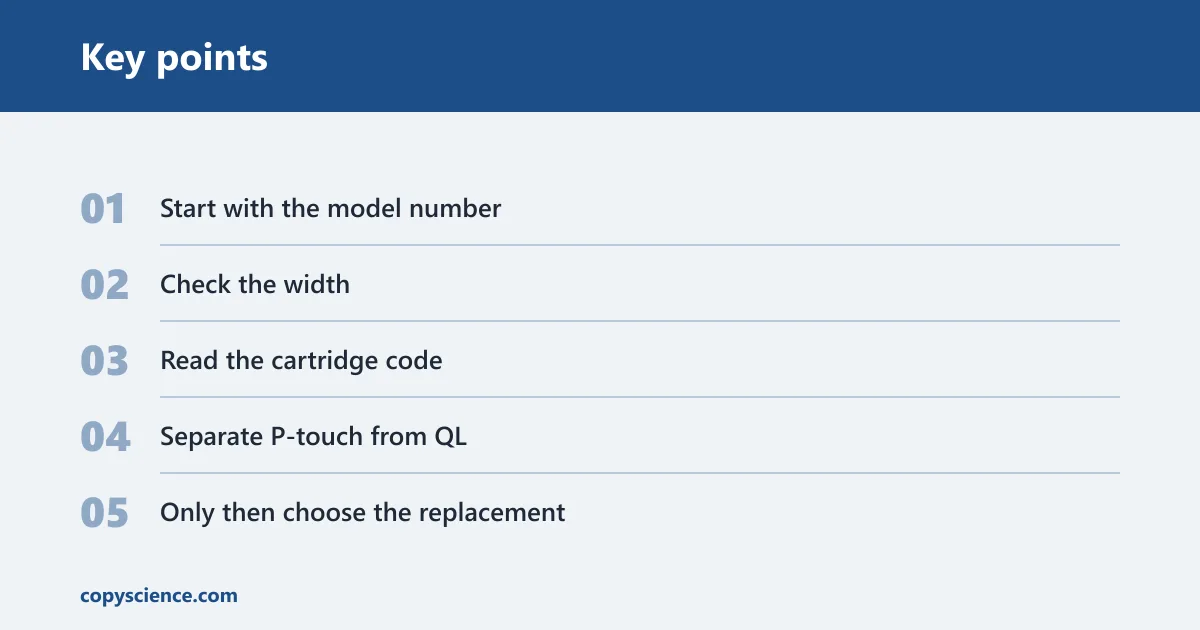
- Start with the model number. Match that number to the tape family in the manual or on the printer label.
- Check the width. Confirm whether the machine accepts 3.5 mm, 6 mm, 9 mm, 12 mm, 18 mm, or 24 mm widths.
- Read the cartridge code. Use the code on the old cartridge if you have it.
- Separate P-touch from QL. Do not order standard P-touch tape for a QL printer.
- Only then choose the replacement. Genuine Brother tape is the safest pick when you want the lowest fit risk.
Can you use third-party Brother tape?
Third-party compatible tape can work in some Brother models, but fit and print quality vary by brand and model. That means it is not a universal replacement. The key check is whether the aftermarket cartridge matches the same family, width, and shell shape the printer expects.
For online buyers, the return risk is higher with third-party tape than with genuine Brother tape. If the listing does not name the exact compatible model series, skip it. A vague “fits Brother” claim is not enough.
What to check before buying aftermarket tape
Look for a compatibility list that names the exact Brother model or series. Then confirm the tape family, the width, and any cartridge code clues. If the listing only says “works with most Brother P-touch machines,” treat that as incomplete.
A common first-timer mistake is buying a 12 mm third-party cartridge because the price looks good, then finding out the printer only accepts 9 mm or the shell is shaped for a different series. That kind of mismatch usually leads to a jam or a failed feed.
Fit risks, print quality, and return risk
Aftermarket tape may feed unevenly, print more lightly, or fail to seat fully in the cassette bay. Those problems are more likely when the cartridge shell is slightly off, even if the label “sounds” compatible. The safest approach is to buy from a listing that names the exact Brother model and media code.
How do you tell if laminated tape is supported?
Look for TZe support in the manual or on the printer label. TZe is Brother’s common laminated tape family, but not every Brother model supports laminated cartridges. If the manual lists TZe widths, the machine is likely compatible; if it lists an older or different family, stop there.
Model clues that point to laminated support
Many newer P-touch models specify TZe in the specifications. That is the clearest sign the printer supports laminated tape. If the model is older, or if the manual lists M tape or a different cartridge family, do not assume laminated support.
Picture a handheld Brother unit with a worn old cartridge and no box. The model number on the back says PT-D210, and the old cartridge label says TZe-221. That is enough to focus on TZe-compatible laminated tape in the same width rather than guessing from the brand name alone.
When to stop guessing and check the manual
If the printer label is faded, the old cartridge is missing, or the seller page is vague, stop and check the manual. That is the point where a quick compatibility lookup saves money. The model number, tape family, and width should all agree before you order.
Frequently asked questions
Which label maker tapes are compatible with Brother models?
Brother compatibility depends on the exact model. Many P-touch machines use TZe laminated cartridges, older units may use M tape or earlier TZ formats, and QL printers use DK media instead of P-touch tape. Check the model number first, then confirm the family and width in the manual or on the old cartridge.
What tape does my Brother label maker use?
Look up the model number and the cartridge code. Most P-touch models use TZe tape, older Brother label makers may use M tape, and Brother QL printers use DK media. If the code on the old cartridge does not match the manual, use the manual or printer label as the final check.
Can I use P-touch tape in any Brother label maker?
No. P-touch tape fits many Brother label makers, but not all of them. QL printers use different media, and older Brother units may need M tape or another older format. The safe rule is to match the exact model series, tape family, and supported width before buying.
Are Brother TZe tapes compatible with all Brother P-touch models?
No. TZe is common on many P-touch models, but not every P-touch machine supports it. Some older Brother units use different tape families. Check the manual or the cartridge label for TZe support and verify the width, because both the family and the size must match.
Can I use third-party tape in a Brother label maker?
Sometimes, but only if the aftermarket cartridge matches the exact Brother model, tape family, width, and shell shape. Fit and print quality can vary. If the seller does not list the specific compatible series, the cartridge is a poor choice and may be returned unused.
Are Brother label tapes interchangeable between PT and QL models?
No. PT models are part of the P-touch line and use P-touch cartridges such as TZe or older formats. QL printers use DK media and a different feed system. Treat PT and QL as separate compatibility families, not interchangeable product lines.