How to Choose the Right Tape Size for Your Label Maker

Choose the tape size your label maker model actually supports, then match that width to the cassette family the machine accepts. For many Brother-style units, that means checking both the width range and the TZe/P-touch family before you buy. The wrong cassette will not feed, print off-center, or fit at all, which wastes time and tape. This guide shows you how to read the model number, confirm supported widths, and pick the correct tape size for your label maker.
The decision is simple once you check three items: the device model, the supported width, and the cartridge shape. If any one of those is wrong, the tape may jam or the label may clip. Width alone is not enough.
Check compatibility and tape options
- Find the exact model number on the label maker body.
- Check the manual or compatibility list for supported tape widths.
- Match the cassette family and shape to the machine.
- Pick a tape color and finish that fits the job.
How do you find the model number?
Look for the model name on the label maker itself, often on the back, bottom, or inside the battery compartment. If the printed label is worn off, use the manual or the product page to confirm the model before you order tape.
Where to look first
The model number is the fastest way to narrow the right tape family. Many devices print it on a sticker near the battery door or on the underside of the unit. On some Brother-style label makers, the model name appears on the front panel and in the user guide as well.
Do not guess from the brand name alone. Two machines from the same brand can take different cassette families, and some older models support more than one width. The exact model number is the safest starting point.
What to do if the label is missing
If the body label is damaged, check the manual, packaging, or the original product listing. A product page often lists the supported cassette family and widths together. That is the information you need before buying a replacement tape.
What does 12 mm mean on label maker tape?
12 mm is a common metric tape width. It matches 0.47 inch, which is also commonly written as 1/2 inch in shopping listings. On compatible machines, those references point to the same tape width, so treat them as the same size when you compare products.
Why width matters
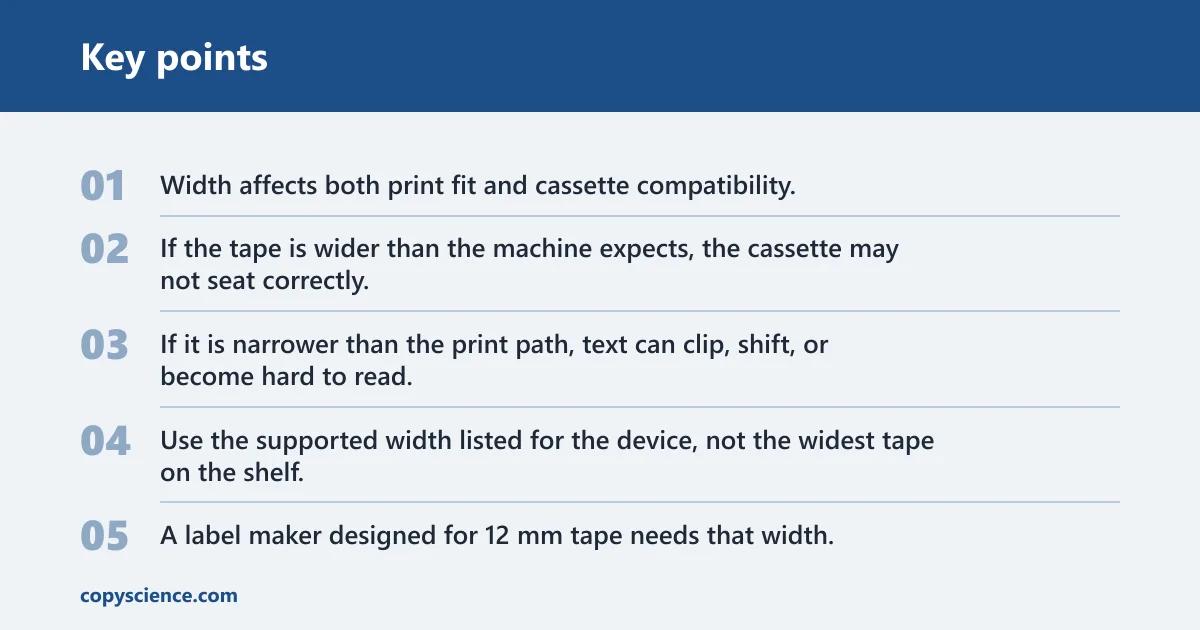
Width affects both print fit and cassette compatibility. If the tape is wider than the machine expects, the cassette may not seat correctly. If it is narrower than the print path, text can clip, shift, or become hard to read.
Use the supported width listed for the device, not the widest tape on the shelf. A label maker designed for 12 mm tape needs that width, or a documented equivalent such as 0.47 inch. The cassette family still has to match.
Older machines that support more than one width
Some older label makers accept more than one tape width. In that case, the model documentation usually lists a range. If the device supports both 6 mm and 12 mm tapes, you can choose between them based on label size, but you still need the correct cassette family for that model.
Say your device accepts 12 mm and 6 mm tapes. A wider label is easier to read for file tabs, while a narrower one may suit small containers. The machine decides the range; your use case decides which supported width to buy.
Tape families and cassette fit
The tape cartridge or cassette type must fit the machine’s lock-in design. Shape matters. The cassette has to slide into the bay, lock in place, and align with the feed path the printer expects. If the family is wrong, the label maker may not close or may refuse to feed tape.
Brother TZe as a common example
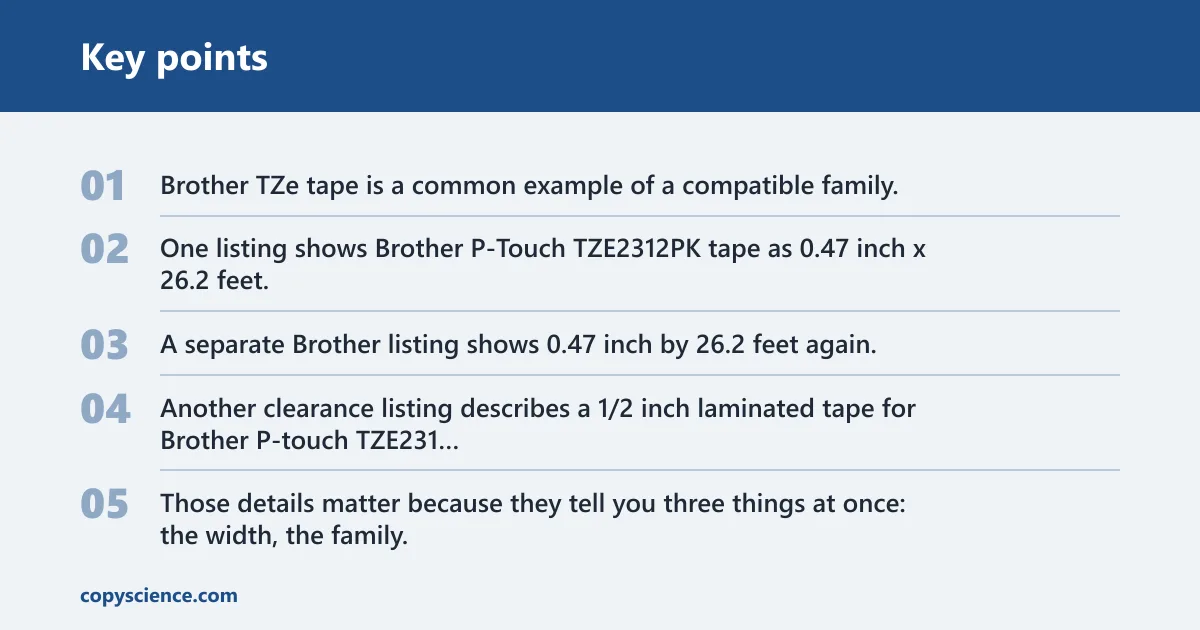
Brother TZe tape is a common example of a compatible family. One listing shows Brother P-Touch TZE2312PK tape as 0.47 inch x 26.2 feet, black and white, durable, water-resistant, and sold as a 2-pack. A separate Brother listing shows 0.47 inch by 26.2 feet again, and the listing uses the TZE231 model code. Another clearance listing describes a 1/2 inch laminated tape for Brother P-touch TZE231 and markets it for indoor and outdoor use.
Those details matter because they tell you three things at once: the width, the family, and the finish. Brother-style buyers often see TZe, TZE231, and P-touch together in listings. Match all three signals to the device model before you buy.
How to read a compatible replacement listing
Start with the model code on your machine, then look for the same cassette family in the product listing. After that, confirm the width and the finish. If the listing says 0.47 inch, 12 mm, or 1/2 inch for the same compatible family, it is describing the same width in different units.
A product listing may also show roll length. One Brother tape listing shows 26.2 ft, and that affects value because a longer roll can lower cost per foot. A listing price of $25.78 only makes sense if you also compare the length and pack count.
What happens if the width is wrong?
If the width is wrong, the failure can show up in several ways: jam risk, feed problems, clipped text, off-center printing, or a cassette that will not fit. The machine is built around a specific tape path. A mismatch interrupts that path.
Jam risk and feed problems
A cassette that is too large for the slot may not seat fully. A cassette that does not match the internal guide can snag during feed. Do not force it. If the tape does not slide in cleanly, stop and recheck the model and family.
Clipped or unreadable labels
Wrong width can also change how the text lands on the label. The print head may not center the message correctly, which can cut off characters or leave too little margin. On narrow labels, that can make a simple file tab hard to read.
Picture a label maker set up for 12 mm tape, but a narrower cassette is loaded by mistake. The machine may still print, yet the letters can crowd the edge and the final label may look uneven. The issue is not cosmetic. It can make the label unusable for fast sorting.
Compatibility checklist
This checklist turns the model, width, and cassette family into one buying decision. Use it before you place the order. The goal is to match the device signal to the right tape size or family without guessing between metric and imperial labels.
| Label maker signal to check | What it tells you | Tape size/family you should buy |
|---|---|---|
| Model number on the back or bottom of the device | Confirms the exact machine version | Buy the replacement tape listed for that model, not just the brand |
| Battery compartment label or inside cover marking | Often shows the full model code when the outside label is worn | Match the tape family and supported cassette series shown for that code |
| Manual or product page says 12 mm | The machine supports 12 mm tape width | Buy 12 mm, which is also listed as 0.47 inch or about 1/2 inch |
| Compatibility list says 0.47 inch | The listing uses imperial width notation for the same size | Buy 0.47 inch tape in the matching cassette family |
| Listing shows Brother TZe or TZE231 | Identifies the cassette family and series | Buy the Brother TZe family that matches the model’s approved series |
| Device supports more than one width | The machine accepts multiple tape widths | Choose any width in the supported range, then keep the same cassette family |
| Listing says laminated or water-resistant | Shows the durability finish | Buy laminated tape for indoor/outdoor labels or water-resistant use cases |
Common Brother-style signals
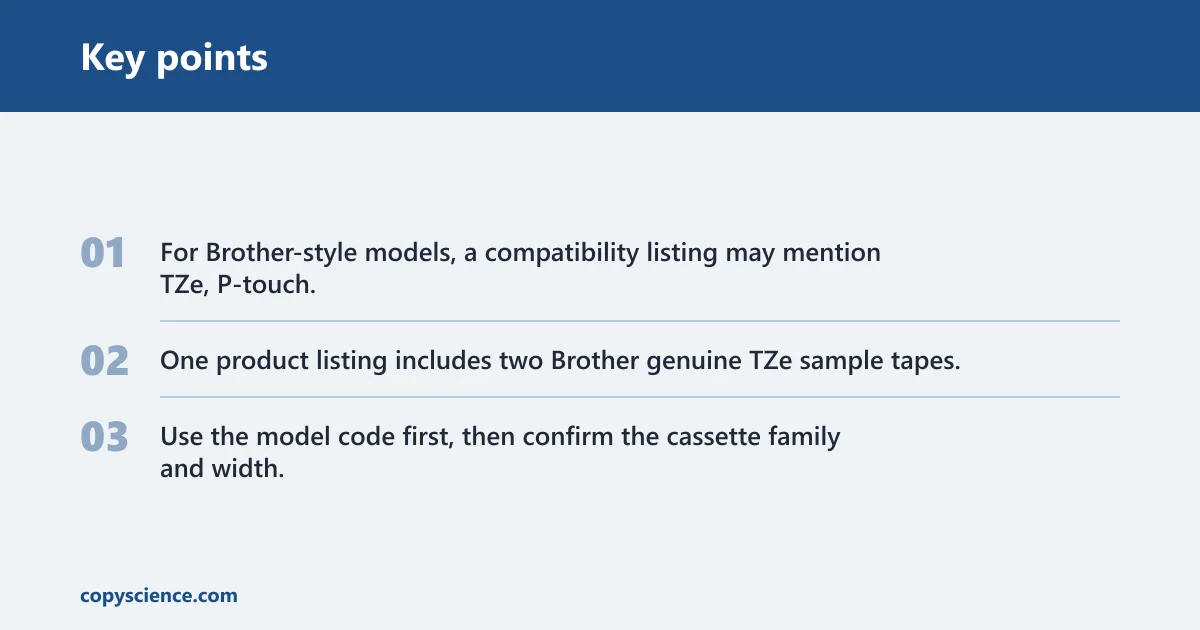
For Brother-style models, a compatibility listing may mention TZe, P-touch, and the specific model code together. One product listing includes two Brother genuine TZe sample tapes, which is another clue that the package is built around that family. Use the model code first, then confirm the cassette family and width.
Label length, color, and durability
Roll length matters because it changes cost per foot. A 26.2 ft roll gives you more label material than a shorter roll, so the unit price can be easier to judge when you compare length. That is why the length field belongs in your buying check, not at the end of it.
Black on white versus specialty colors
Black on white is the most common high-contrast choice and is easy to read in many settings. Other color combinations can help with sorting, but the label still has to remain readable in the final location. Choose the color combination for the use case, not for novelty.
Laminated and water-resistant options
Laminated tape is a durable format often used for indoor and outdoor labeling. A Brother listing describes durable and water-resistant tape, and another listing says laminated tape for indoor and outdoor use. Those features matter when the label may face moisture, handling, or repeated cleaning.
Suppose you are labeling storage bins in a garage. A black-on-white laminated tape can be a sensible choice because the text stays easy to read and the finish is suited to tougher conditions. The key is still compatibility: the tape must match the model, width, and cassette family.
Frequently asked questions
How do I know what tape size my label maker uses?
Check the exact model number on the device, then look up the supported tape width in the manual or compatibility list. The width is usually given in millimeters and sometimes in inches too. Do not buy by brand alone. You need the model, the width, and the cassette family to match.
Can I use a wider tape than my label maker is designed for?
No. A wider tape may not fit the cassette bay, may not feed correctly, or may print off-center. Even if it seems close, the machine is built around a specific width and cassette shape. If the listing does not match the supported width, do not force it into the device.
How do I check my label maker model for tape compatibility?
Find the model number on the back, bottom, or inside the battery compartment, then match it to the manufacturer’s compatibility list. If the label is worn off, use the manual or original product page. The model number is the safest way to confirm both the tape family and the width.
Are 0.47-inch and 12 mm label tapes the same?
Yes, those are two ways of describing the same width. Many listings use 0.47 inch, 12 mm, or about 1/2 inch for the same tape. The important part is still the full compatibility match: model number, cassette family, and width all need to line up.
What happens if I load the wrong tape size?
The machine may jam, refuse to feed, print text off-center, or clip the label. In some cases, the cassette will not fit at all. If the tape does not slide in smoothly, stop and verify the width and family. Forcing the wrong cassette can waste tape and risk feed problems.
How do I find replacement tape for my Brother label maker?
Start with the exact Brother model code, then look for the matching TZe or P-touch cassette family and the supported width. If your listing shows Brother TZe tape at 0.47 inch, 12 mm, or 1/2 inch, confirm that the model accepts that size. Then choose the finish and length that fit the job.