Does It Matter What Printer Paper You Use at Home?

Yes—printer paper matters at home, because weight, brightness, and coating change print quality, feed reliability, and running cost. Use the wrong sheet and you can get smudges, curl, jams, and wasted ink or toner. This guide explains which paper types work best for everyday text, photos, labels, and double-sided printing.
How paper affects print results
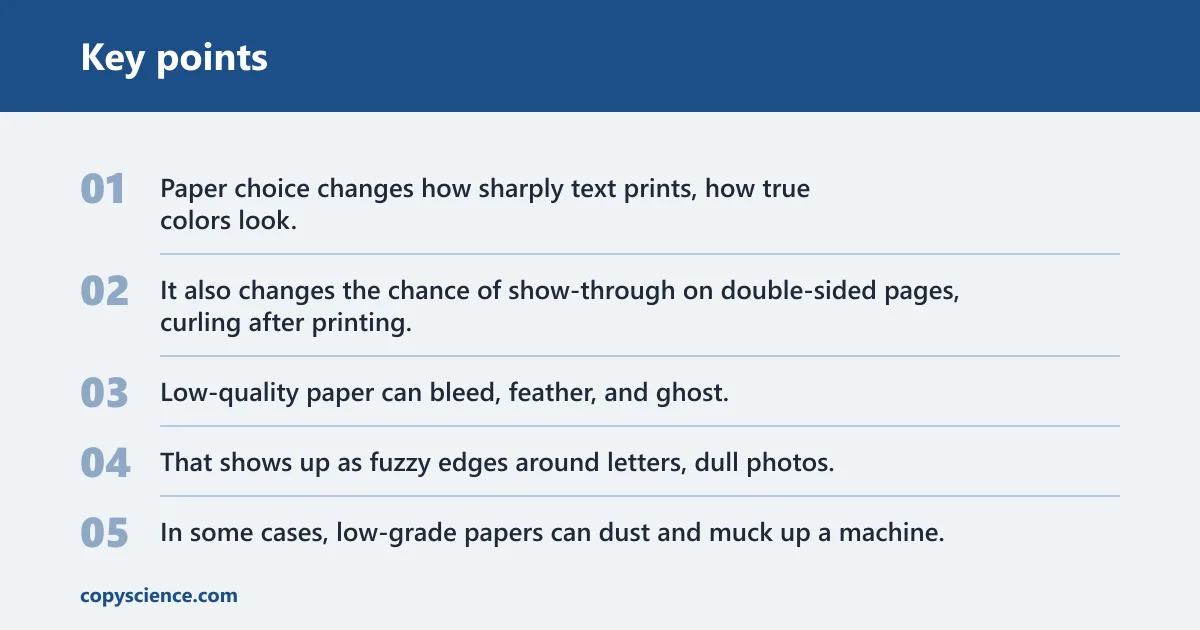
Yes. Paper choice changes how sharply text prints, how true colors look, how much ink or toner sits on the surface, and how often a sheet feeds cleanly. It also changes the chance of show-through on double-sided pages, curling after printing, and waste when a sheet jams or absorbs too much ink.
What changes when you use the wrong sheet
Low-quality paper can bleed, feather, and ghost. That shows up as fuzzy edges around letters, dull photos, or text that looks darker on one side of the page than the other. In some cases, low-grade papers can dust and muck up a machine, which raises cleaning needs and can shorten the life of the feed path.
The main trade-off: print quality vs feed reliability
Heavier, smoother, or coated paper often improves the look of the page, but it can also raise jam risk if your printer is not built for that stock. Very thin paper may feed easily, yet it can show through on both sides and let liquid ink spread more than you want. Choose the sheet that fits both the job and the printer.
When plain copy paper is enough
For everyday documents, homework, shipping forms, and draft handouts, plain copy paper is usually enough and costs less than specialty paper. It is the default choice for most home printing because it handles normal text well and works across many printers. For photos or presentation pages, a specialty sheet may be worth the extra cost.
Paper types at a glance

Paper type matters because each one is built for a different kind of print job. Copy paper is the general-purpose option. Inkjet paper and photo paper control liquid ink better. Recycled and notebook paper can work for simple jobs, but their surface and thickness vary more. Cardstock is for heavier, thicker projects.
Copy paper
Copy paper is the standard home and office choice. It is commonly around 20lb, which is about 75 GSM for standard office paper, and it is a good fit for documents, homework, and everyday printing where low cost matters more than maximum image quality.
Inkjet paper
Inkjet paper is made to hold liquid ink without letting it spread too much. That matters because inkjet printers work best with paper that won’t absorb too much ink. The result is cleaner text, better color control, and less feathering on photos and graphics.
Photo paper
Photo paper is not a commodity. It varies in color accuracy, surface quality, and longevity, so two sheets that look similar can print very differently. Standard photo paper is listed at 190–250 GSM, and heavyweight photo paper is listed at 270–350 GSM. The finish also changes the final look.
Recycled and notebook paper
Recycled paper can be a practical everyday option, but the surface and stiffness vary by product, so feeding and print quality can change from one ream to the next. Notebook paper can print fine for simple notes or draft pages, but the holes, ruling, and lighter weight make it less consistent than copy paper.
Cardstock
Cardstock is thicker and stiffer than ordinary document paper. That makes it useful for cards, dividers, and craft projects, but it can push some home printers outside their safe feeding range. Check your model’s paper-path limits before loading heavy stock, especially if the sheet is coated or textured.
Printer paper decision table
This table gives a simple home-use rule: choose the lightest paper that still gives the result you need, then confirm that your printer can feed it. If a sheet is thicker, coated, or textured, move more cautiously and check the manual before printing a stack.
| Paper type | Printer type | Recommended GSM range | Likely print result | Jam risk | Bleed-through risk | Best use case |
|---|---|---|---|---|---|---|
| Copy paper | Inkjet or laser | 80–100 GSM | Clean text, basic graphics, low cost | Low | Low to moderate, depending on ink load | Everyday documents, homework, drafts |
| Inkjet paper | Inkjet | 90–100 GSM, often within office-paper range | Sharper text and better ink control than plain paper | Low to moderate | Low | Charts, flyers, mixed text and color pages |
| Photo paper | Inkjet | 190–250 GSM | Best image quality on compatible models, stronger color and finish | Moderate | Very low | Photo prints, cards, image-heavy pages |
| Recycled paper | Inkjet or laser | 80–100 GSM | Variable smoothness and brightness | Low to moderate | Moderate | Routine printing when a lower-impact sheet is preferred |
| Cardstock | Varies by model | Often above 100 GSM; confirm your printer limit | Stiff, durable pages with a more substantial feel | Moderate to high | Low | Invites, covers, crafts, tabs |
| Notebook paper | Inkjet or laser, if clean and flat | Usually lighter than copy paper | Acceptable for simple text, less consistent for quality work | Low to moderate | Moderate to high | Draft pages, quick notes, temporary prints |
What GSM should you choose?
GSM means grams per square meter, and it is the easiest way to compare paper thickness and heft. For home printing, about 80–100 GSM is a common office-paper range, about 190–250 GSM fits standard photo paper, and about 270–350 GSM is heavyweight photo stock that many home printers may not handle.
80–100 GSM for everyday documents
This is the safest starting point for most home printers. It works well for letters, schoolwork, forms, and handouts. If you print double-sided pages, 90 or 100 GSM is often the better pick when 80 GSM shows through too much, while 80 GSM is fine when the document is mostly text and you want the lightest, cheapest sheet that still feeds reliably. If your printer’s tray is listed for 80–100 GSM, stay within that range; if the manual tops out lower, do not assume a thicker sheet will work.
190–250 GSM for photo prints
This is the common range for standard photo paper. It gives a sturdier feel and helps the coating support better color and image quality.
When heavy stock may be too much
Heavyweight photo paper at 270–350 GSM can look excellent, but it is also the range most likely to exceed a home printer’s paper path or rear-feed comfort zone. If your printer manual does not list that weight, treat it as a caution zone rather than a default choice. Texture and coating can add to the risk.
How do I choose paper for inkjet vs laser printers?
Choose paper based on how the printer lays down image data. Inkjet printers need paper that controls liquid ink and limits spread. Laser printers need smooth sheets that can tolerate heat. The two printer types can share some papers, but they do not reward the same surface in the same way.
How inkjet paper manages absorption
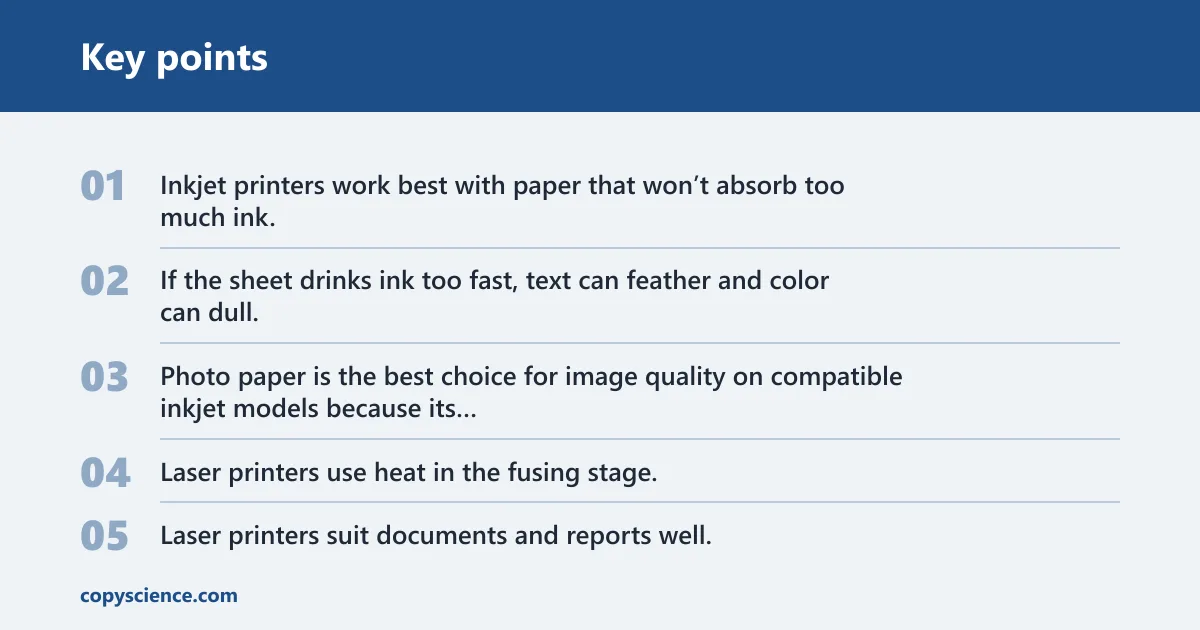
Inkjet printers work best with paper that won’t absorb too much ink. If the sheet drinks ink too fast, text can feather and color can dull. Photo paper is the best choice for image quality on compatible inkjet models because its surface helps keep ink on top where it belongs.
Why laser paper must handle heat
Laser printers use heat in the fusing stage, so the paper must stay flat and stable under that process. Smooth sheets are usually the safest choice. Laser printers suit documents and reports well, but full-bleed output depends on the printer model and whether it supports edge-to-edge printing.
Why edge-to-edge printing is model-specific
Borderless printing requires a compatible inkjet printer and the borderless option in the driver. It uses more ink than standard printing, and it can slightly crop the image on all sides. The option depends on the printer model, not the sheet alone.
Suppose you load glossy photo paper into an inkjet and print a 4×6 family photo with the borderless option enabled. The color can look stronger, but the printer may use more ink, and the image may lose a sliver at the edges. That trade-off is normal for borderless output.
Does paper finish change results?
Yes. Finish can change how color looks, how much glare you see, and how fingerprints show up on the page. Glossy and luster finishes can make photos look punchier, matte cuts glare, and metallic paper gives a specialty look that stands out. The finish matters as much as the weight for visual output.
Glossy and luster for color impact
Glossy paper gives strong contrast and a bright surface, but it also shows fingerprints more easily. Luster, semi-gloss, and satin finishes sit between glossy and matte, giving a softer sheen with less glare than full gloss. For many home photo prints, that middle ground is easier to handle and display.
Matte for softer glare control
Matte paper reduces shine and can make text-heavy graphics easier to view under room light. It often gives a softer, less reflective look than glossy stock. If a print will be framed, handled often, or read under bright light, matte can be the more practical choice.
Metallic for specialty photo looks
Metallic paper is for a specific look, not everyday printing. It can add depth and a reflective quality to certain images, but it is not a default choice for documents. Use it when the visual effect matters more than low cost or simple handling.
Can thick paper damage a printer?
Thick paper can stress a printer if the model is not designed for it. The risk is usually feed trouble, stalled rollers, or repeated jams rather than immediate damage. Because limits vary by model, the safest move is to check your manual before loading cardstock, coated stock, or heavyweight photo paper.
Feed path limits vary by model
Some home printers handle heavier sheets through a rear feed or straight paper path, while others prefer standard document paper only. A printer that feeds 80–100 GSM copy paper well may still struggle with much thicker stock. The safe range is model-specific, so the manual matters more than guesses.
Signs the paper is too heavy
If the printer pulls two sheets at once, stops halfway through the feed, or leaves a curled exit page, the stock may be too stiff or too thick for that path. Repeated misfeeds, bent corners, and warning lights are also signs that the paper is outside the printer’s comfort zone.
How to check your manual before loading stock
- Find the paper specifications for your exact printer model.
- Check the supported paper weight, finish, and tray or rear-feed limits.
- Match the sheet to the print job: documents, photos, or cards.
- Load a small stack first, not a full ream.
- Use the correct paper setting in the driver before printing.
Store paper the right way
Store paper in its packaging and keep humidity swings as small as possible. Moisture changes the sheet’s shape and can hurt feeding consistency, while very dry or very damp storage can change how the paper passes through the printer. Good storage helps both feed quality and print quality stay stable.
Keep sheets in the package
The wrapper helps protect paper from dust and humidity changes. Once the package is open, put unused sheets back in a flat stack. That lowers curl, edge damage, and the chance that one corner picks up moisture before the rest of the stack does.
Avoid humidity swings
Paper that has absorbed moisture can feed poorly or print unevenly. That matters most for thick stock, coated paper, and photo paper, which can react more noticeably to storage conditions. Keep paper away from damp rooms, open windows, and hot vents.
Let paper acclimate before printing
If the paper was stored in a cooler or more humid area than the printer room, let it sit in the room before use. That gives the stack time to settle closer to the same conditions as the printer. The result is usually steadier feeding and fewer curl-related issues.
Frequently asked questions
Does it matter what printer paper you use at home?
Yes. Paper affects sharpness, color, show-through, curling, smudging, and jam risk. Standard copy paper is fine for many everyday jobs, but inkjet photos, double-sided pages, and thick cards often need a more specific sheet. The wrong paper can waste ink, toner, and time.
Can you use any paper in a home printer safely?
No. Many papers will physically pass through a home printer, but “safe” depends on weight, finish, and the printer type. A sheet that is too thick, too rough, or too coated can jam or print badly. Check your model’s paper limits before loading specialty stock.
What happens if you use cheap paper in a printer?
Cheap paper can cause bleeding, feathering, ghosting, and dust inside the machine. The print may look dull or fuzzy, especially with liquid ink. Thin or uneven sheets can also feed poorly, which increases the chance of jams and wasted pages during longer print jobs.
What GSM paper is best for home printing?
For everyday documents, 80–100 GSM is the most practical range. The best choice depends on the job and your printer’s manual.
Is regular copy paper okay for home printers?
Regular copy paper is usually a good starting point for home printers because it is affordable and handles routine text well. It works for homework, letters, forms, and drafts. For photos or special presentation pages, a specialty sheet can give better results.
Does paper type affect print quality at home?
Yes. Paper type affects text sharpness, color accuracy, glare, fingerprints, and how much the page curls after printing. It also affects whether the ink sits on the surface or sinks in too fast. The result can be a clean page or a dull, messy one.
Can thick paper damage a home printer?
It can, if the stock exceeds the printer’s feed limits or bends too sharply in the paper path. The most common problem is repeated jamming, not instant damage. Check the manufacturer’s listing for your exact model before using cardstock, heavyweight photo paper, or textured specialty sheets.