Does It Matter What Printer Paper You Use at Home?
Printer paper choice affects print quality, feed reliability, ink use, and cost at home. This guide compares paper types for text, photos, labels, and double-sided printing.

Printer paper choice affects print quality, feed reliability, ink use, and cost at home. This guide compares paper types for text, photos, labels, and double-sided printing.
Check power, USB or network reachability, device recognition, driver, and app settings first. Use the checklist to isolate the fault point fast.
Cartridge, tank, and laser printers can stay subscription-free if you skip optional ink plans and check setup prompts before enrolling.
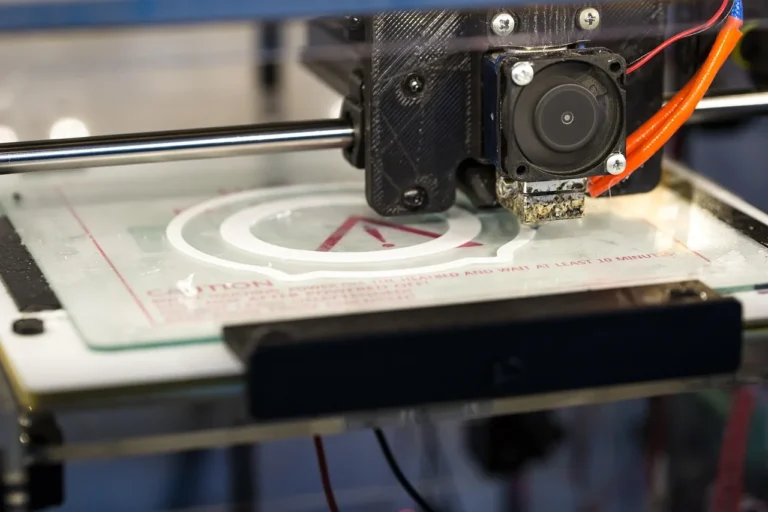
Choose an all in one printer if you need printing, scanning, and copying at home; choose a regular printer if you mainly want faster, simpler printing.
A paper jam with no visible paper usually means a hidden scrap, a stuck sensor flag, dirty rollers, or a stale error state.
For most homes, an all-in-one printer with scan-to-copy is better than a standalone copier for school forms, ID paperwork, and duplicate pages.
Inkjet suits mixed home printing; laser suits mostly text and lower cost per page. The article includes a side-by-side chart, page-cost figures, and upkeep tips.
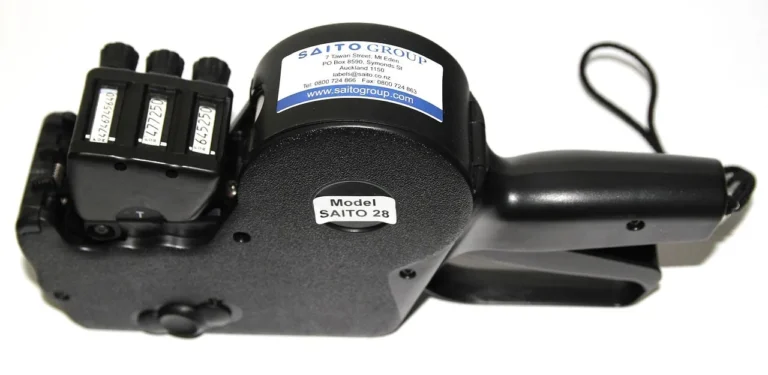
Brother P-Touch Cube Plus is the best pick for readable home labels. The guide compares handheld, Bluetooth, laminated, and thermal options.
Duplex sheet-fed scanners suit most home offices; flatbeds fit fragile pages and books. Compare ADF size, duplex speed, and OCR quality.
Check the network, clear the queue, renew the IP, then reinstall the driver if needed. This guide covers queue blockage, IP drift, and driver failure.