Printer Not Printing in Color: Troubleshooting Color Issues
Check color settings first: all colors missing usually points to a settings or driver issue, while one missing color usually means a cartridge or ink path fault.

Step-by-step fixes for common printer problems: offline errors, paper jams, Wi-Fi connection trouble, faded or missing colours and more.
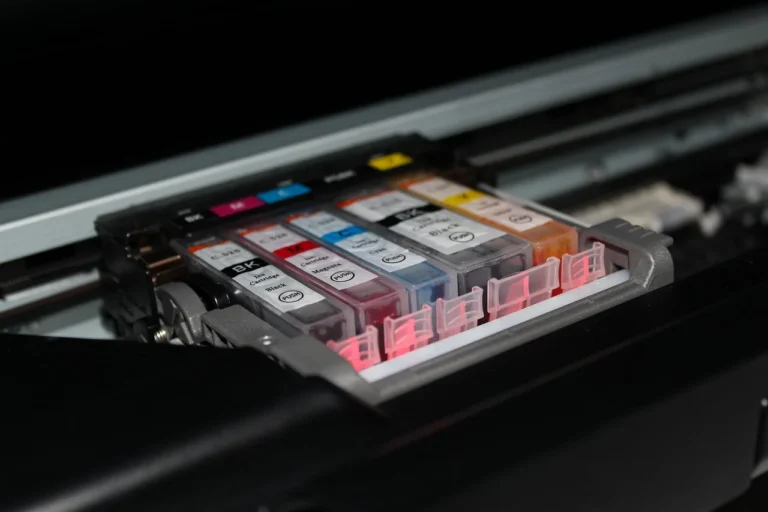
Check color settings first: all colors missing usually points to a settings or driver issue, while one missing color usually means a cartridge or ink path fault.
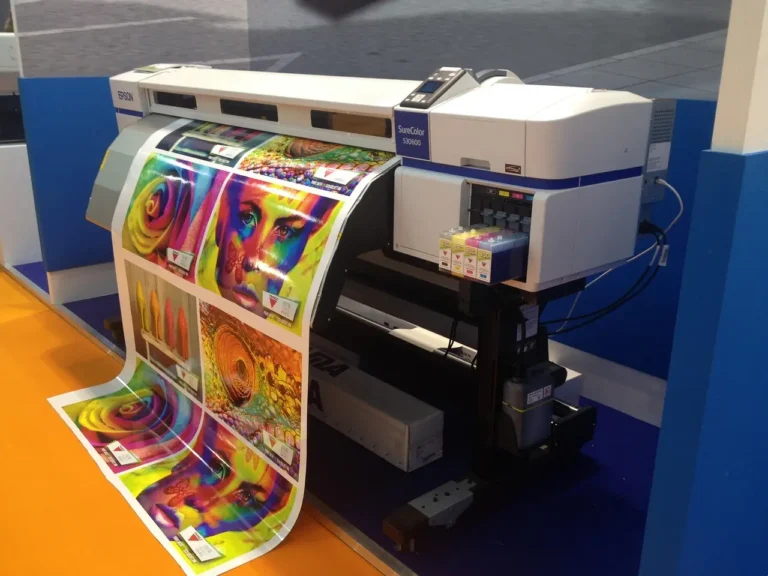
Check the nozzle pattern, cartridge vents, and print settings first if black is missing but color prints.